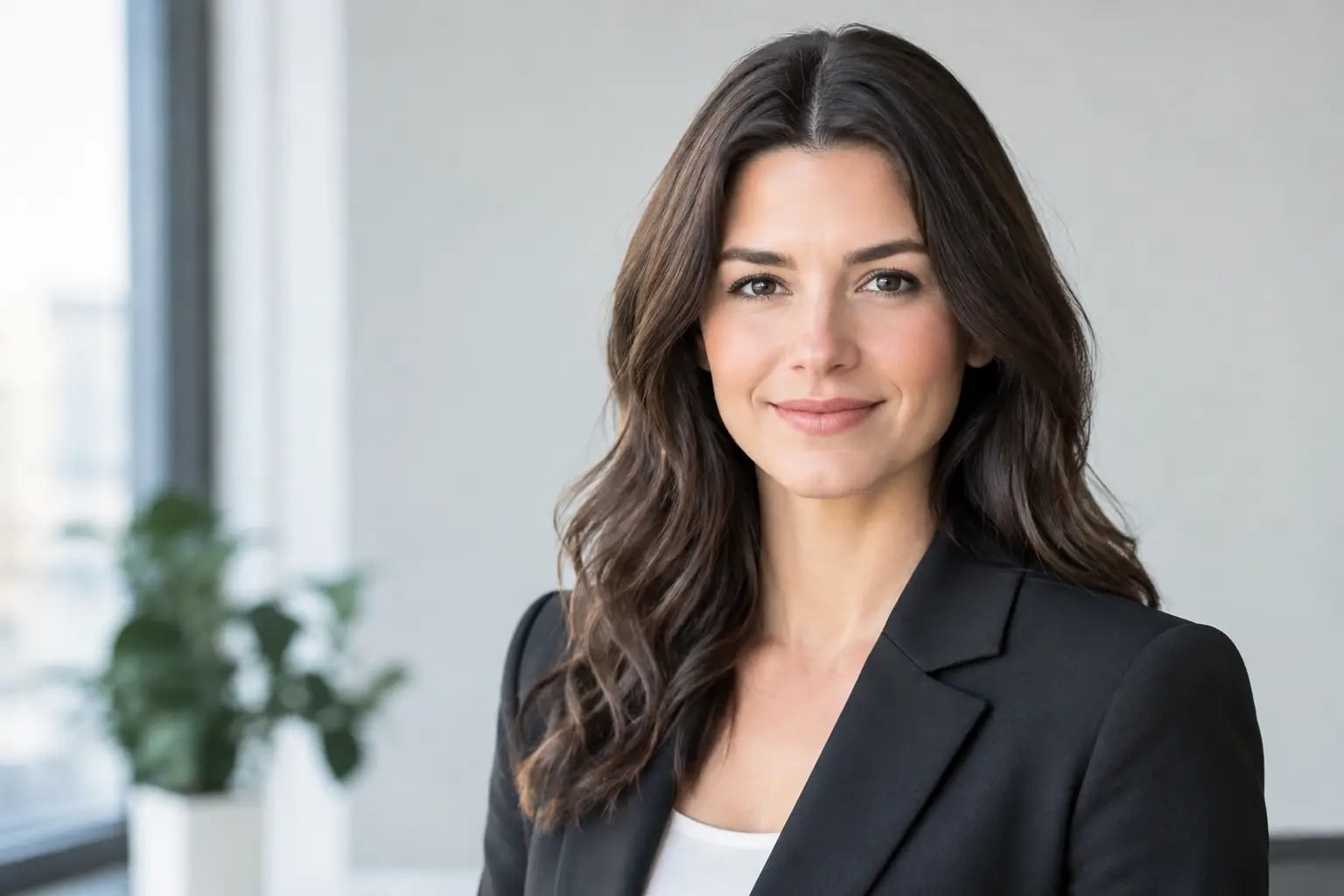
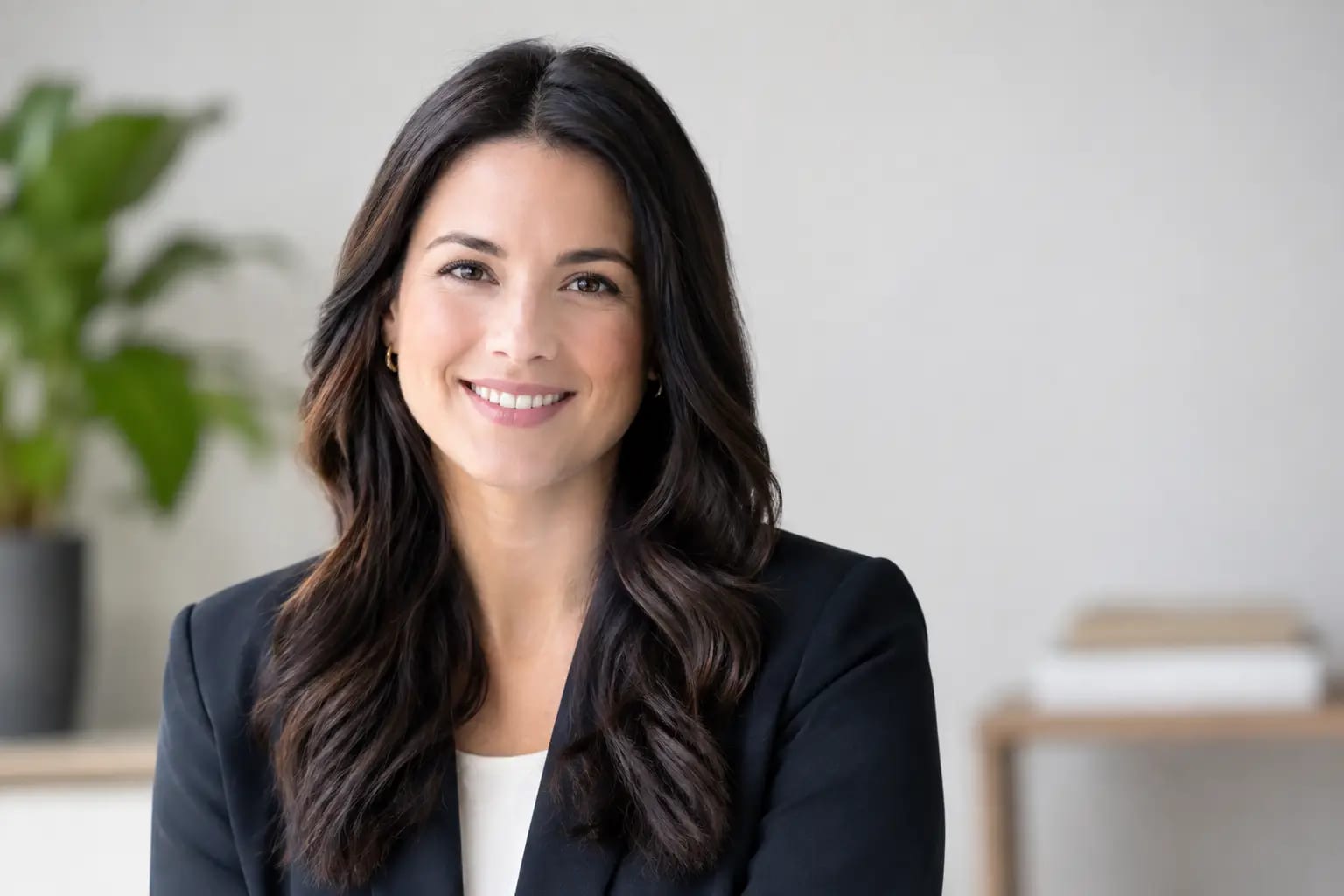
What to Wear for Professional Headshots at Work

A navy blazer can read as calm and capable. The same blazer over a wrinkled T-shirt, with a busy necklace and harsh overhead lighting, can look accidental. That is why deciding what to wear for professional headshots is less about following a dress code and more about controlling the signals your photo sends before anyone reads your bio.
Your headshot may appear beside a job application, on a company website, in a Teams meeting, or at the top of a speaker page. It should look current, credible, and like a more prepared version of you - not like a costume borrowed for the day.
Start With the Job Your Headshot Needs to Do
The right outfit depends on where the image will be used and who needs to trust you. A corporate manager, a real estate agent, and an independent designer can all look professional while making different wardrobe choices.
For LinkedIn, resumes, company directories, and client-facing profiles, aim for the level of polish you would wear to an important meeting with someone senior to you. That often means a structured jacket, a clean knit, a button-down, a blouse, or a simple dress in a solid color. You do not need formal business attire if your industry is more relaxed, but the image should still communicate intention.
If you work in law, finance, healthcare leadership, consulting, or executive roles, a blazer, suit jacket, tailored dress, or refined blouse usually fits audience expectations. If you work in technology, marketing, design, or a startup environment, a sharp overshirt, elevated sweater, or open-collar shirt may be more natural. The goal is not to imitate another profession. It is to look credible in yours.
When one photo needs to serve several uses, choose the more versatile middle ground: polished, understated, and appropriate for a client meeting. A slightly formal headshot can still work on LinkedIn. A very casual one may not travel as well to a company bio or press mention.
What to Wear for Professional Headshots: Prioritize Fit
Fit matters more than labels. A well-fitting shirt or jacket photographs better than an expensive piece that pulls at the buttons, collapses at the shoulders, or hangs loosely around the neck.
Try the outfit on before photo day and view it through your phone camera, not only in a mirror. Mirrors show you at full length and in motion. Headshots magnify the upper chest, shoulders, neckline, and face. Check that collars lie flat, lapels sit evenly, and fabric does not bunch when you sit or turn slightly.
Choose a neckline that frames your face. Crew necks, V-necks, collared shirts, modest scoop necks, and structured blouses are dependable choices. Extremely low necklines can pull focus downward, while high, tight collars can feel restrictive unless that look is already part of your professional style.
A jacket or overshirt can add helpful structure, especially if you are wearing a simple top underneath. It also gives the image visual depth without asking the viewer to process a complicated pattern. If a blazer feels unlike you, do not force it. A crisp, well-fitted shirt is stronger than a blazer that makes you look uncomfortable.
Choose Colors That Keep Attention on Your Face
Solid, mid-to-deep colors are usually the safest choice because they create separation from common backgrounds without competing with your expression. Navy, charcoal, forest green, burgundy, cobalt, soft blue, and rich teal tend to photograph well across professional settings.
Black can look polished, particularly against a light or neutral backdrop, but it may lose detail against a dark background. White is clean and classic, yet bright white can reflect light onto the face or appear overly stark. Off-white, light blue, muted pink, and soft gray are often easier on camera.
You do not have to avoid color. In fact, a controlled color choice can make a headshot more memorable. The better question is whether the color supports your complexion and professional context. If you routinely wear a signature color at work and it flatters you, that is often a better choice than defaulting to generic gray.
Avoid tiny checks, narrow stripes, loud florals, prominent logos, and high-contrast geometric prints. Small patterns can create visual distortion on camera, while logos can date the image or make it feel like an employee badge rather than a professional portrait. Larger, subtle patterns can work, but solids remain the most reliable option.
Keep Accessories Intentional and Minimal
Accessories should look like part of your normal professional presence, not a last-minute attempt to make the photo more interesting. Simple earrings, a watch, a necklace with a small pendant, or familiar glasses can add personality without distraction.
If you wear glasses every day, wear them in your headshot. People should recognize you when you arrive at a meeting. Clean the lenses carefully and check for glare when possible. If your frames are heavily tinted, reflective, or visibly scratched, consider a cleaner pair for the photo.
Large statement jewelry, oversized scarves, novelty ties, and strongly branded accessories can dominate a tightly cropped image. This is especially true for profile photos, where the final display size may be small. One purposeful detail is usually enough.
Prepare for the Crop, Not the Full Outfit
Most professional headshots show your face, shoulders, and upper torso. That means your sleeves, shoes, and most of your pants will not affect the final image. Put your attention where the crop lands: hairline, face, collar, shoulders, and the top half of your clothing.
Still, wear a complete outfit if you are taking photos yourself or working with a photographer. Feeling properly dressed changes posture. You are more likely to sit upright, move naturally, and avoid the awkward feeling of being half-ready.
For an AI-generated headshot, the source photos have a different job. You may be able to select a professional wardrobe style for the finished portrait, but your selfies should still present your face clearly. Use images with good lighting, a neutral expression or natural smile, and no sunglasses, heavy filters, face-obscuring hair, or crowded backgrounds. Clean source images give the system more accurate facial detail to work with.
Keeper Headshots, for example, checks submitted selfies for photo quality before rendering and evaluates likeness and artifacts afterward. That workflow can reduce the guesswork of choosing a final image, but it does not change the value of starting with clear, current photos that look like you.
Match Your Background and Wardrobe
Your clothing and backdrop should work together. A dark jacket against a dark background can flatten the image. A pale top against a bright white background can make your shoulders disappear. Contrast helps define your outline and directs attention back to your face.
If you know the backdrop will be gray, beige, white, or softly blurred, a darker or more saturated top creates useful separation. If the background is dark, consider a medium or lighter color. You do not need dramatic contrast, just enough difference that the image has dimension.
This matters for team pages, too. A coordinated team does not require identical outfits. It means everyone follows a shared visual standard: similar crop, lighting, background, and general level of formality. That consistency looks organized while leaving room for individual style.
Avoid These Common Headshot Wardrobe Mistakes
The most frequent mistake is dressing for a different version of your career. A brand-new suit may be right for an attorney moving into partner-level work, but it can look unnatural for a product manager who never wears one. Your headshot should support the direction you are going without pretending you are someone else.
Another mistake is choosing an outfit that is technically professional but uncomfortable. If you are tugging at a collar, worrying about a neckline, or adjusting a jacket every few seconds, that tension often reaches your face. Choose something you have worn successfully before, ideally in a setting where you felt confident.
Finally, do not use an old photo simply because you liked the outfit. Your current haircut, glasses, facial hair, and overall appearance matter more than whether the clothing was perfect. Recognition is a professional asset.
A Simple Final Check Before You Take the Photo
Before your session or selfie upload, stand near a window and take a few test images. Look at them at the size they will actually be used: a small LinkedIn circle, a company-directory square, or a speaker-bio portrait. Ask whether your face is the first thing you notice, whether the outfit fits your industry, and whether someone meeting you next week would recognize you immediately.
The best choice is rarely the flashiest one. Wear the outfit that lets your experience, expression, and credibility arrive first - then let the photo do its job.