How to Choose a Headshot for a Speaker Bio
A headshot for a speaker bio has to do more than show your face. It needs to establish credibility before you reach the stage, hold up in a small event-program crop, and still look like you when an organizer shares it beside your session title. That is a different assignment from a casual LinkedIn update or a broad company directory photo.
Event teams often work quickly. They may pull your image into a conference website, a mobile app, an email banner, a printed program, or a press announcement without asking for a new file. A strong speaker photo gives them a clean, recognizable image that supports your expertise in every format.
What a speaker bio headshot needs to communicate
Your photo should match the reason people are listening to you. A leadership keynote, a medical panel, a real estate workshop, and a creative-industry fireside chat can call for different levels of formality. The goal is not to invent a new persona. It is to present a polished version of the professional people will meet onstage.
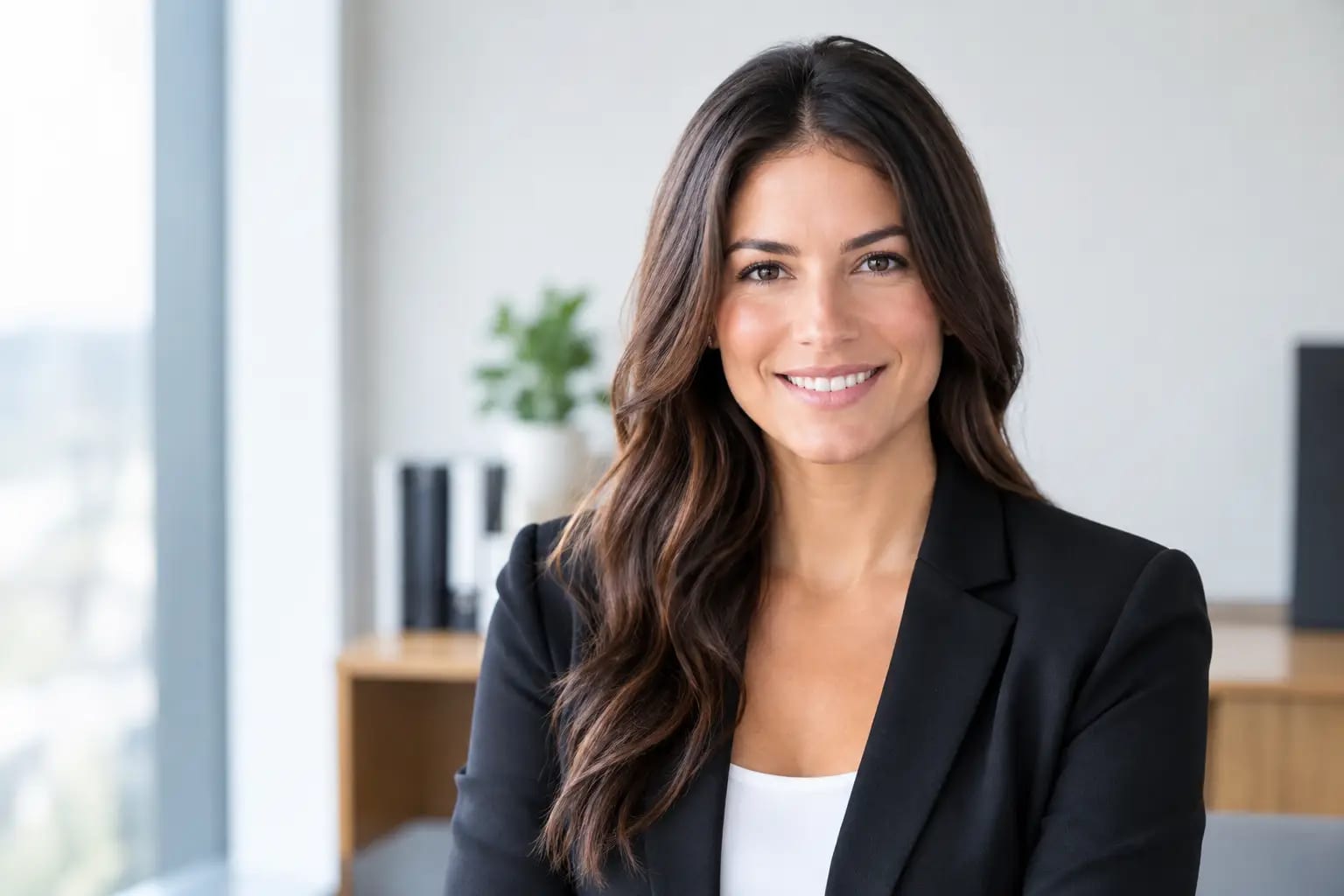
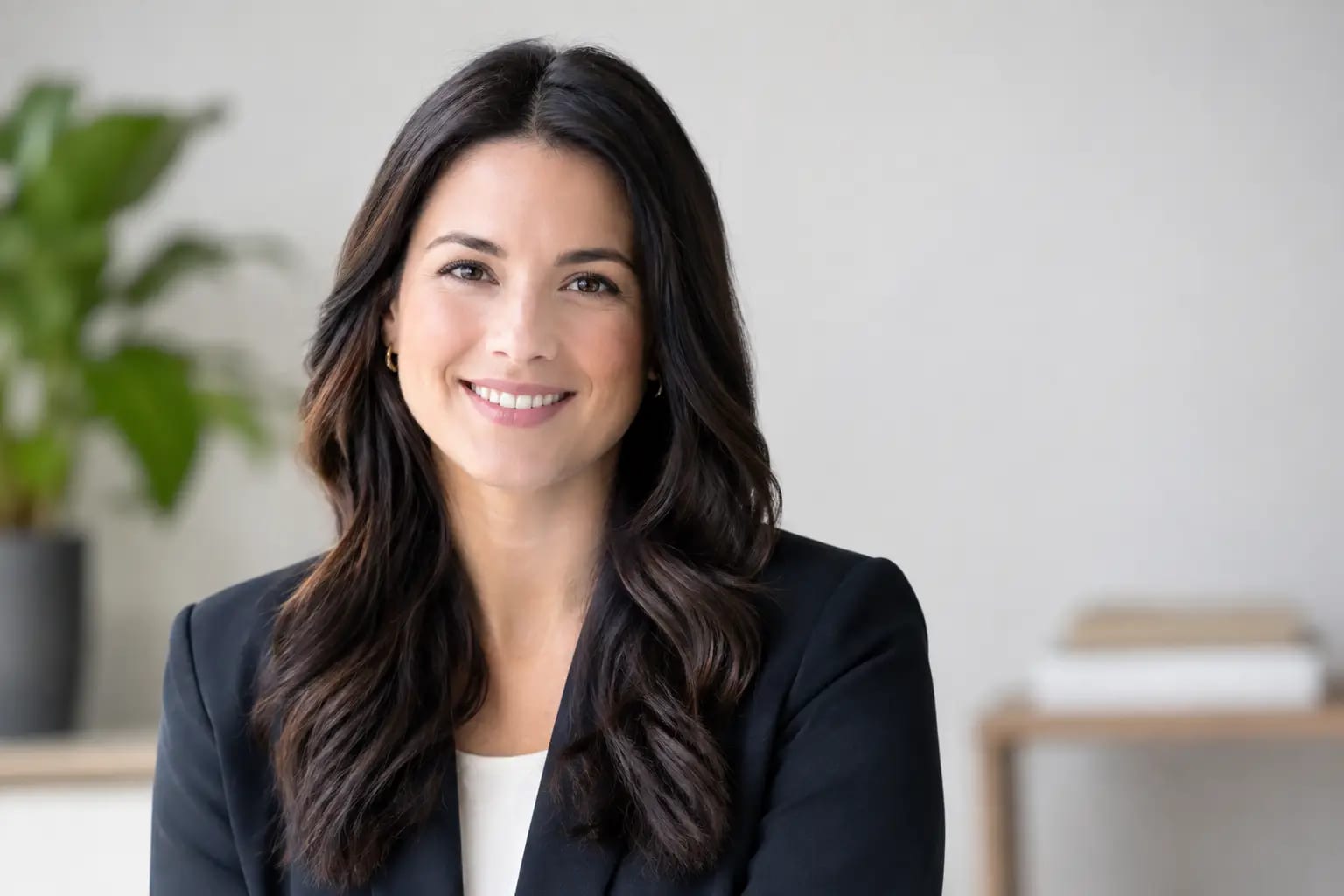
For most speakers, the best choice is a current, well-lit head-and-shoulders portrait with direct or near-direct eye contact. Your expression should feel composed and approachable. A warm, restrained smile is usually more useful than a dramatic expression because it works across formal and informal event settings.
Credibility comes from clarity, not stiffness. A photo that is overly posed, heavily filtered, or styled like a social profile can make an otherwise serious bio feel less considered. On the other hand, a rigid corporate expression may be a poor fit for a community event or workshop where connection is central. Context matters.
Choose the right level of formality
Start with the event audience, then choose wardrobe and background that help organizers position you correctly. You do not need to match the event branding exactly. You do need to avoid visual choices that compete with it.
A clean business-casual look works well for most conferences, professional associations, webinars, and panels. Think a solid-color blouse, button-down, blazer, or polished knit in a color that separates clearly from the background. For executive, legal, financial, or healthcare audiences, a more formal jacket or structured top can reinforce the level of expertise attendees expect.
Creative fields allow more range, but the image should still read as intentional. An interesting color or personal style detail can be useful when it is part of your professional identity. Keep the focus on your face rather than on a busy print, oversized accessory, or high-contrast background.
Neutral backgrounds are the safest all-purpose choice. Soft gray, warm off-white, navy, or a subtle office-inspired setting can travel well between event websites and printed materials. A plain background also makes it easier for a designer to crop or place your image beside sponsor logos and session graphics.
Build for small crops, not just full-size viewing
The most common headshot mistake in a speaker bio is choosing an image that looks good at full size but loses its impact in a two-inch program listing. When your photo is reduced, details disappear. Strong framing and clear contrast become much more valuable.
Choose a portrait where your face occupies a meaningful portion of the frame, generally from the chest or shoulders upward. A full-body image may work on a personal site, but it rarely performs well in a speaker grid. Avoid photos with excessive empty space above your head or wide scenery around you. Event platforms will crop that space out, sometimes awkwardly.
It also helps to keep your face centered enough for both vertical and square versions. Many conference sites use a vertical portrait crop, while event apps and social posts often prefer a square. If your source photo is composed tightly against one edge, an organizer may have no good way to adapt it.
Before sending a file, open it on your phone and shrink it until it is about the size of a profile thumbnail. Can you still clearly see your eyes, expression, and overall professional presence? If not, choose a tighter image.
The technical details organizers appreciate
A high-resolution JPG or PNG gives event teams flexibility for web and print use. Provide the original high-quality file rather than a screenshot, a compressed social-media download, or a photo pasted into a document. If available, send both a portrait-oriented version and a square crop.
Do not assume an organizer will retouch the photo. Check for distractions such as flyaway hair across your eyes, uneven lighting, visible image artifacts, an unnatural skin texture, or a blurred edge around your shoulders. These flaws can become more noticeable when a designer places your image against a different background.
Keep your headshot current and recognizable
A speaker bio is a promise of recognition. Attendees use it to identify you in a crowded room, introduce themselves after a session, or decide whether to attend your talk. If your photo is several years old, reflects a markedly different hairstyle, or no longer resembles how you present professionally, replace it.
Current does not mean you need a new photo for every event. A versatile headshot can serve you for years when it reflects your present appearance and is technically sound. Review it when you change roles, update your personal brand, grow out or cut your hair significantly, or begin speaking to a more senior audience.
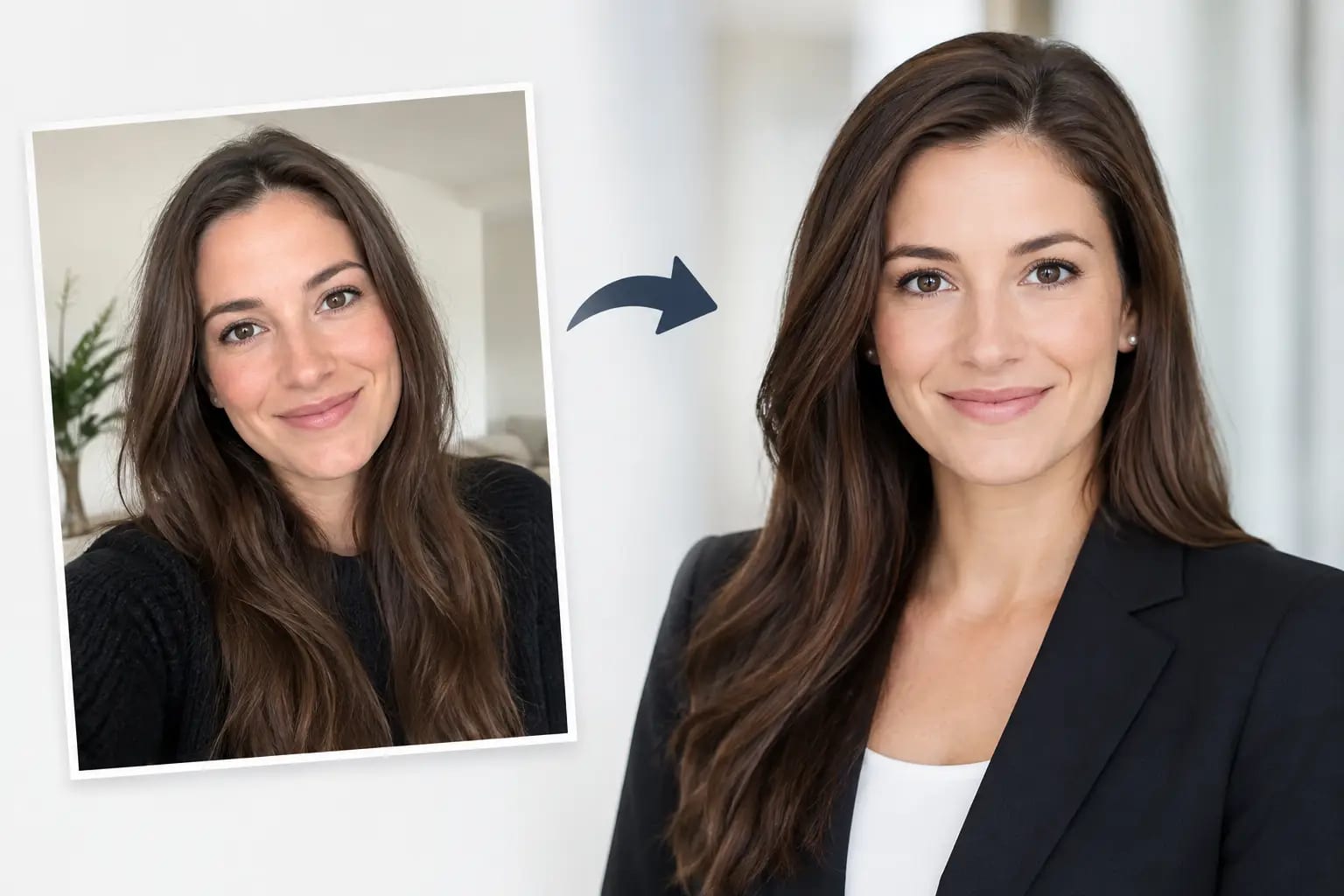
AI-generated headshots deserve the same standard. The question is not whether the photo was produced with AI or in a studio. The question is whether it looks genuinely like you, has natural proportions and details, and is suitable for the setting. A trustworthy workflow should check likeness, flag visual artifacts, and identify the strongest result instead of leaving you to sort through a folder of near-matches.
Keeper Headshots, for example, uses source-photo checks, likeness verification, artifact detection, and a graded recommendation to help professionals choose a polished image with less uncertainty. That can be especially useful when you need an event-ready photo quickly but still want confidence that the final result is recognizable.
Match the image to your bio, not just your industry
Your written bio and your headshot should feel like they belong together. If your bio emphasizes executive leadership, transformation work, or board-level experience, a composed portrait with structured wardrobe will usually support that message. If it presents you as a facilitator, coach, or community builder, a more open expression may do more work.
This does not require overthinking every visual signal. It is simply about avoiding contradiction. A playful, casual photo alongside a formal bio about regulatory expertise can create friction. So can a severe executive portrait paired with a bio centered on accessible, collaborative teaching.
If you speak across several types of events, maintain one dependable default photo and keep a second option for more relaxed settings. Consistency helps people recognize you across conference sites, LinkedIn posts, press mentions, and future invitations. Variety is useful only when it is purposeful.
A quick check before you send it
Before uploading your photo to a speaker portal or emailing it to an event coordinator, confirm that it is current, high resolution, tightly framed, and appropriate for the audience. Make sure your face is unobstructed, your clothing has no visible logos unless that is intentional, and the background will not clash with event design.
Then ask one practical question: would someone who has never met you recognize you from this photo while walking into the room? If the answer is yes, you have chosen a headshot that does its job.
A speaker bio earns attention with your credentials and your session topic. The right portrait makes the introduction feel immediate, credible, and human before you say a word.