Team Photo Consistency Guide for Modern Teams

A company directory can lose credibility in a single scroll: one employee appears in a cropped vacation photo, another has a five-year-old studio portrait, and a new hire is represented by initials. This team photo consistency guide helps you prevent that patchwork effect without turning headshots into a scheduling project that takes months.
Consistent team photos are not about making people look identical. They are about giving every employee an equally professional place in the company’s visual presence. When the lighting, crop, wardrobe level, and background follow a shared standard, visitors focus on the people and the work they represent.
Why consistent team photos affect trust
A team page is often a prospect’s first look behind the logo. For a consulting firm, law office, medical practice, or growing technology company, it answers an unspoken question: does this organization operate with care?
Visual inconsistency can suggest the opposite, even when the business is highly capable. A mix of dim webcam images, event photos, and polished portraits makes the organization feel fragmented. It also creates an avoidable hierarchy. Employees with access to better photography appear more established than colleagues who submitted whatever was on their phone.
The impact extends beyond the website. Employee headshots appear in Microsoft Teams, LinkedIn, internal directories, pitch decks, speaker bios, press materials, and sales collateral. A clear standard gives marketing and operations teams current assets that can be used confidently across each channel.
Set a team photo standard before collecting images
The fastest way to create inconsistency is to ask employees to “send a professional photo.” That instruction is open to interpretation. One person will choose a wedding photo; another will choose a LinkedIn crop from 2018.
Instead, write a short standard that defines the result, not just the request. Your team should know whether the goal is formal executive portraiture, approachable business casual, or a specific brand look. Keep the standard realistic for the people and channels involved.
Decide what must stay the same
Most successful team portrait systems standardize four elements: crop, backdrop, lighting, and overall wardrobe formality.
For crop, choose whether the image will be head-and-shoulders, chest-up, or a slightly wider portrait. A chest-up composition is often the most flexible because it works well on team pages and can be adapted for square collaboration-platform profiles.
For backdrops, a neutral studio look is the safest choice for companies with varied roles and locations. It keeps attention on the person and holds up well as the team grows. A branded color can work, but use it carefully. Strong colors may conflict with employee clothing, website redesigns, or partner materials.
Lighting should look even and natural rather than dramatic. High-contrast editorial lighting may suit a creative agency, while a financial services firm may benefit from a brighter, more straightforward look. The right choice depends on the brand, but it should be intentional and repeatable.
Wardrobe should share a level of formality, not a uniform. For example, a standard might call for solid-color business casual clothing, jackets optional, and no visible logos. That leaves room for personal style while keeping the group visually coherent.
Define what can remain personal
Over-standardization can make a team page feel stiff. Employees should still look like themselves. Hair texture, cultural attire, glasses, facial hair, jewelry, and personal style are not problems to remove from a professional image.
The goal is recognition and parity. Each person should appear current, comfortable, and credible in the same visual system. Avoid standards that require people to disguise their identity in pursuit of a generic corporate look.
Build a practical intake process
A good visual standard fails if the collection process is confusing. Your instructions should tell employees exactly what to submit, what to avoid, and what happens next.
If your team uses AI-generated professional headshots, source-photo quality matters. Ask employees for several recent, well-lit selfies taken at eye level. Images should show their face clearly, without heavy filters, sunglasses, extreme shadows, or another person partially cropped from the frame. Variety helps the system understand a person’s features, but every image should still be sharp and current.
Give people a simple deadline and a named point of contact for questions. This is especially useful for distributed teams, where photo collection can otherwise become a chain of separate follow-ups. It also helps to state the intended use: company website, directory, LinkedIn, sales materials, or all of the above. People make better choices when they understand the outcome.
For a new or growing team, make headshots part of onboarding rather than a one-time cleanup project. A new hire should receive the same guidance and approved photo process as everyone else. That keeps the directory current and prevents another inconsistent round six months later.
Use quality controls, not guesswork
A polished headshot is more than a flattering image. It needs to look recognizably like the employee and remain clean at the sizes where it will actually be used.
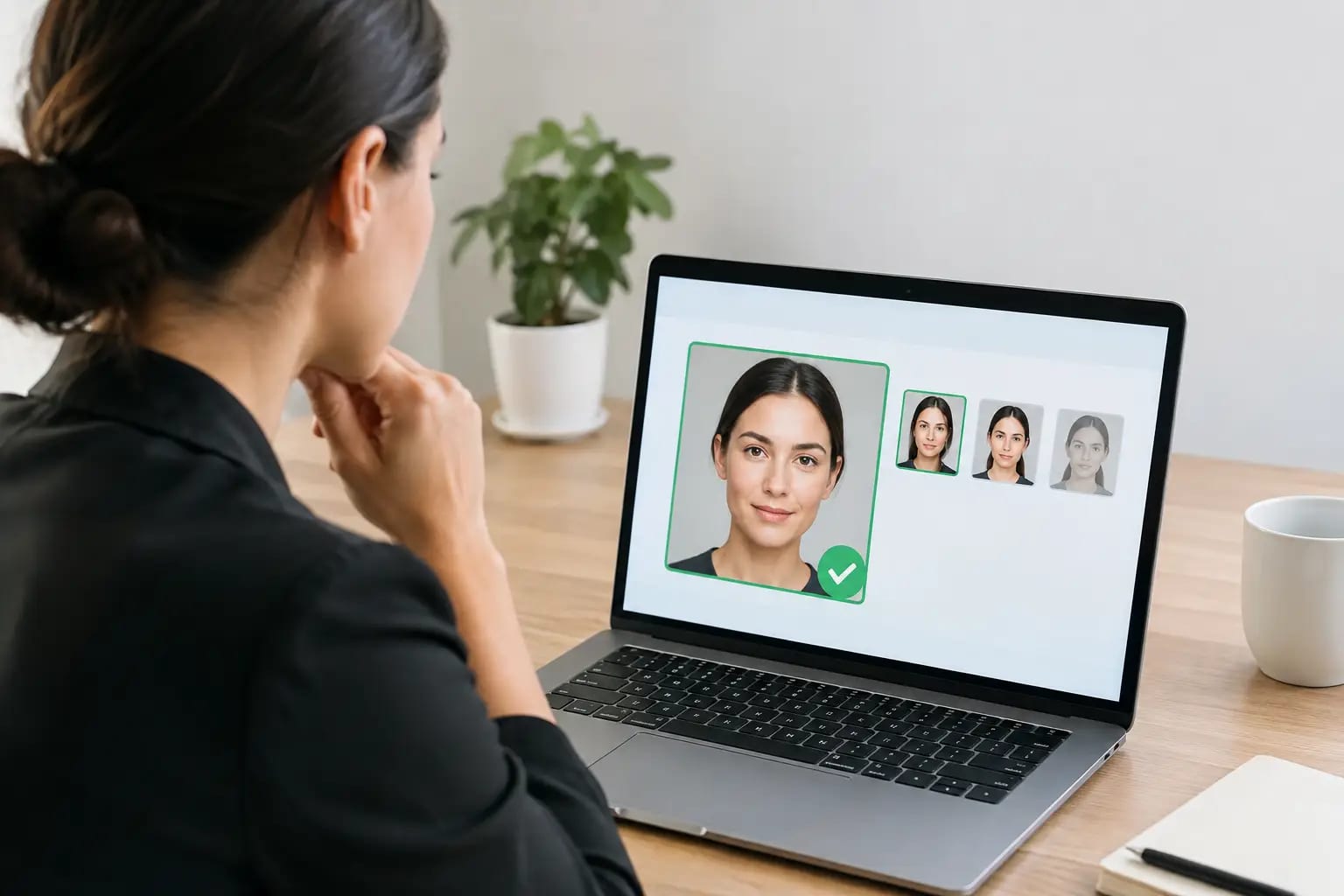
Before approving photos, review likeness, lighting, facial details, clothing edges, hands if visible, and background transitions. AI-generated images can occasionally produce artifacts that look minor on a phone but become obvious on a large team-page layout. Check for asymmetrical glasses, unnatural teeth, warped accessories, inconsistent hairlines, or overly smooth skin.
A quality-control workflow should also account for the source material. If someone uploads dark, outdated, or heavily filtered selfies, requesting better images is usually faster than trying to force an acceptable result. Keeper Headshots uses source-photo checks, likeness verification, artifact detection, and graded recommendations to reduce this uncertainty before a team publishes its final set.
It is worth assigning one final approver, usually someone in marketing, HR, or operations. Individual employees should have a chance to confirm that the photo looks like them, while the approver checks it against the team standard. Both reviews matter. A photo can be technically clean but not feel authentic to the person pictured.
Create the right files for each channel
One approved portrait does not necessarily fit every use without adjustment. A website bio may use a vertical or chest-up crop. LinkedIn and collaboration platforms typically favor a square profile image. Press materials may need a higher-resolution file with extra space around the subject.
Plan for these needs when selecting your final photos. The face should remain centered enough that a square crop does not cut into the hair or chin. Avoid compositions that place a person too close to one edge, even if they look strong in the original frame.
Store approved files in a shared, clearly named location. Use a simple convention such as Lastname_Firstname_Square and Lastname_Firstname_Portrait. This sounds operational, but it prevents marketing teams from using old images or recreating crops under deadline pressure.
Know when consistency should bend
A company-wide standard should be stable, but not rigid to the point of being impractical. Executives speaking at conferences may need a more formal press portrait. Field teams may be best represented in a context that reflects their work. A founder’s media profile may call for a distinct image from an employee-directory headshot.
The useful rule is to preserve the core visual system wherever people appear as part of the company. If an image is used for a personal editorial feature or event campaign, a different style may be appropriate. Just avoid mixing those special-purpose photos into the primary directory without a reason.
Review photos on a schedule
Team photography becomes inconsistent gradually. Someone gets promoted, another changes their appearance significantly, and a new department joins after the original photo rollout. A quarterly check of the directory can catch missing, outdated, or mismatched images before they become visible to clients.
You do not need to replace every photo annually. Update when there is a meaningful change in likeness, role, brand direction, or image quality. The standard should make these decisions easy: if a portrait no longer looks current or no longer matches the agreed style, it is time for a replacement.
A consistent team photo program is a small operational detail with a visible payoff. Give employees a clear standard, give reviewers a reliable approval process, and keep the finished portraits ready for the places where your company is asked to introduce itself.