Can AI Portraits Look Natural? Yes, With Control
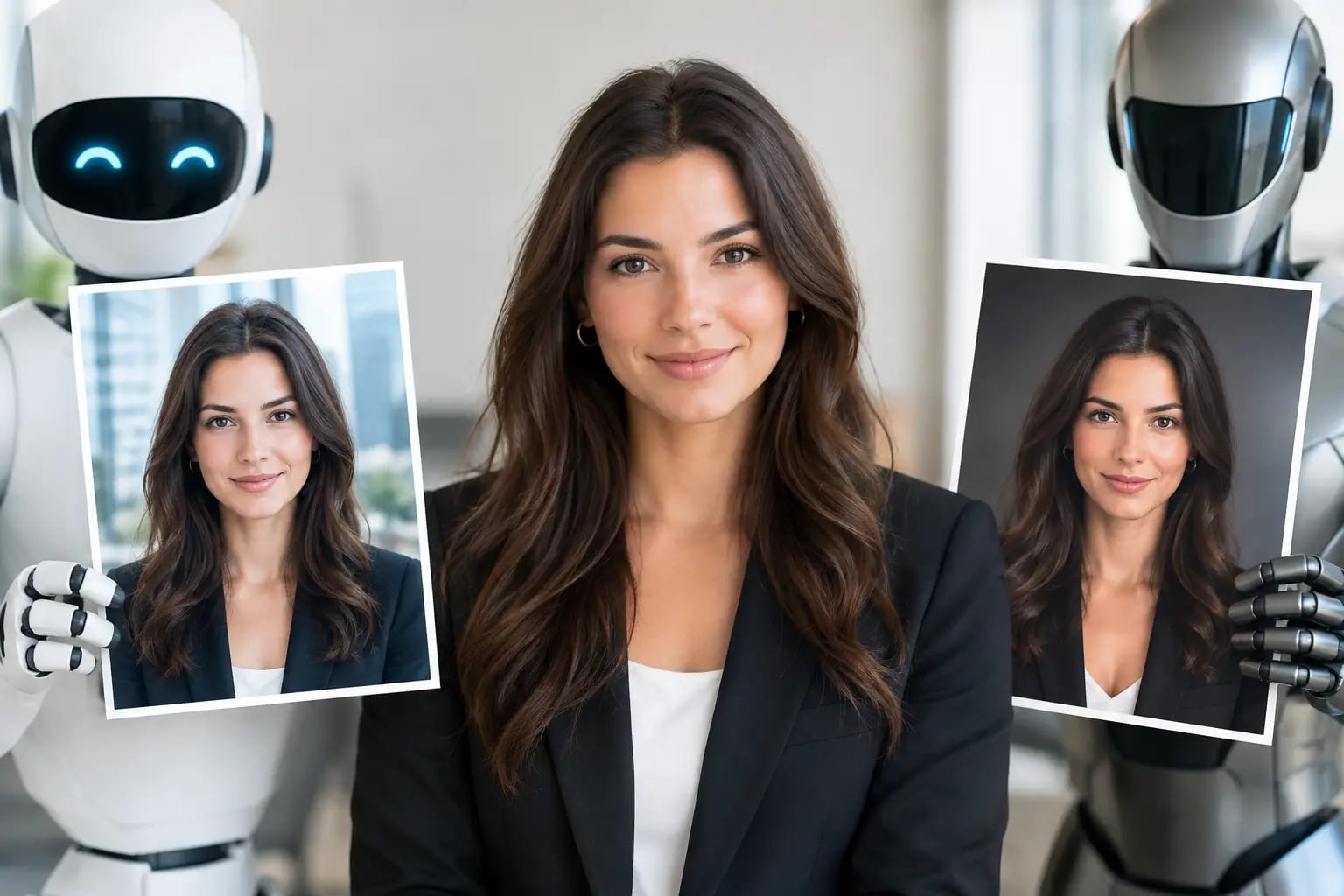
A LinkedIn headshot has a difficult job. It needs to look polished enough for a recruiter, client, or hiring manager to take you seriously, but familiar enough that they recognize you on a video call. So, can AI portraits look natural? Yes - but only when the process is built around preserving your real features, not producing a generic version of professional.
A natural AI portrait is not the one with the smoothest skin or most dramatic office backdrop. It is the image where your face, expression, proportions, and overall presence still feel like you, on a particularly well-lit day.
What makes an AI portrait look natural?
Natural-looking results come from a combination of good source photos and careful quality control. AI can improve lighting, wardrobe, background, and composition, but it needs clear visual information to work from. If the input photos are dark, heavily filtered, cropped too tightly, or inconsistent, the generated portrait has less reliable detail to preserve.
The most convincing portraits retain the small characteristics that make a face recognizable: the shape of the eyes, the spacing of features, the natural hairline, a familiar smile, and realistic skin texture. Professional polish should refine the presentation, not rewrite the person.
That distinction matters for career use. A headshot can look impressive in isolation and still fail if colleagues wonder who it is. For LinkedIn, a company website, a speaker bio, or a client-facing profile, recognizability is part of credibility.
Natural does not mean unedited
Traditional headshots are edited, too. Photographers adjust exposure, remove temporary blemishes, balance color, and select the strongest frame from dozens of images. AI portraits can follow that same standard. The goal is not to make every pore visible or leave distracting shadows untouched. The goal is a realistic, camera-ready image that looks consistent with how you appear in person.
A good result may soften uneven lighting or replace a casual T-shirt with business attire. It should not change your age dramatically, sharpen your jaw beyond recognition, reshape your nose, or create a smile you would never make.
Why some AI headshots still look artificial
Most unnatural AI portraits are not caused by AI alone. They are usually the outcome of weak inputs, overly aggressive styling, or a workflow that delivers every generation without checking the result.
The common giveaways are subtle at first. Skin can appear airbrushed instead of textured. Teeth may look too uniform. Glasses can sit oddly on the face. Earrings, lapels, hair strands, and fingers near the face can show warped or duplicated details. Sometimes the portrait simply has an overly symmetrical, stock-photo quality that feels unlike a real camera image.
Lighting can also create the problem. A face lit with perfectly even, shadowless light may look synthetic, while harsh contrast can make a generated portrait feel pasted onto its background. Natural professional lighting usually has dimension: soft illumination, believable shadow, and a clear separation between subject and backdrop.
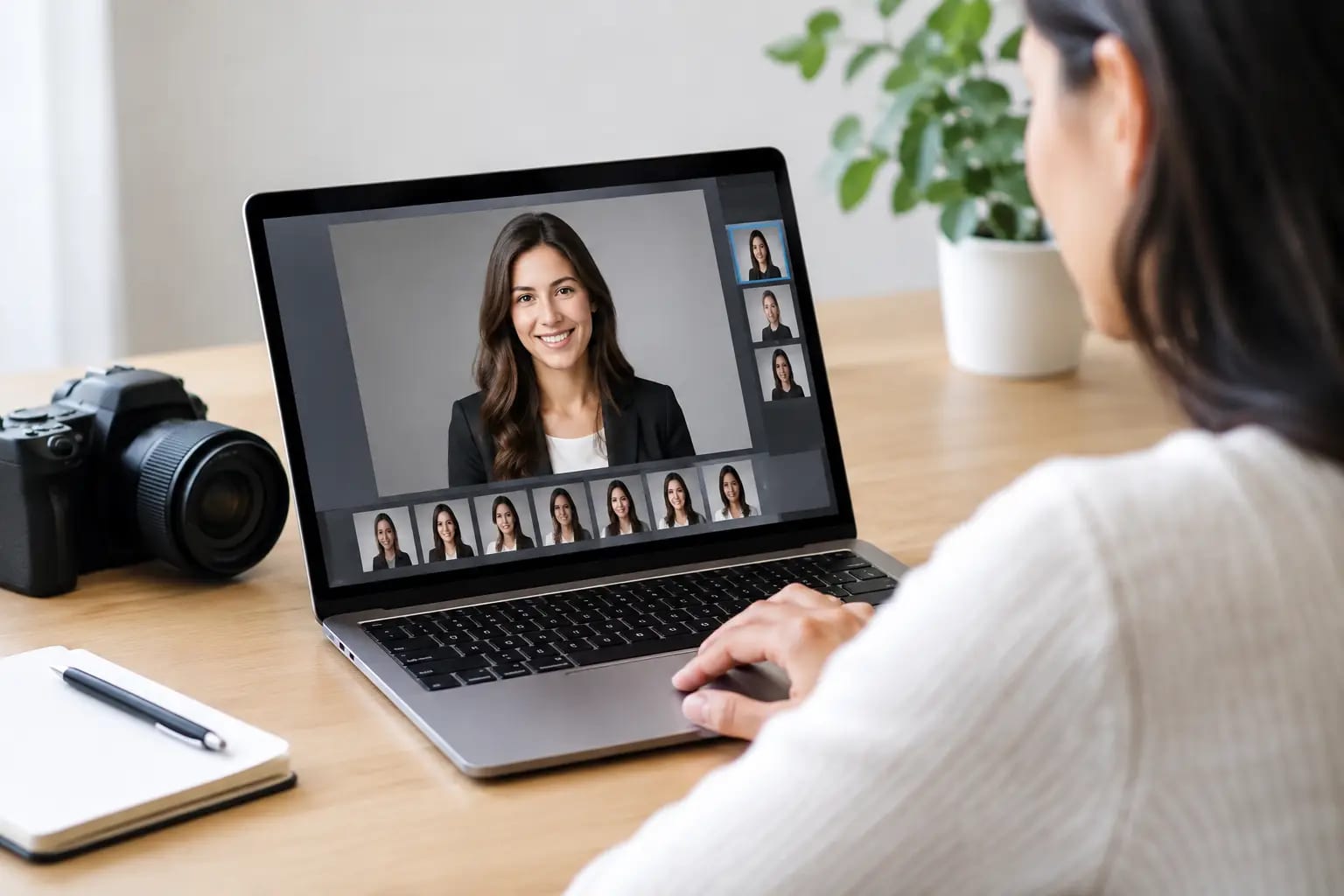
This is why more options are not always better. A generator that produces a large gallery without flagging issues leaves the customer to identify subtle artifacts, judge likeness, and decide which crop works on LinkedIn. That is a lot to ask when you need a headshot quickly.
The source selfies matter more than most people expect
You do not need a studio camera or a perfect pose. Everyday phone selfies can produce strong results when they are clear, current, and varied. The key is giving the system enough accurate reference material.
Use photos taken recently, ideally within the last year. Include a mix of neutral and lightly smiling expressions, with your face fully visible. Window light or soft indoor light is usually more useful than a dim restaurant, a car at night, or direct overhead lighting. Keep glasses on if you normally wear them professionally, and avoid sunglasses, hats, face-distorting filters, or photos where another person is cropped beside you.
Variety helps as well. A few images with slightly different angles teach the system more than six near-identical selfies. At the same time, consistency matters: if your hair, facial hair, or glasses differ significantly across photos, the result may blend those versions in a way that does not match your current appearance.
A useful rule is simple: submit photos you would be comfortable using to help someone identify you. If the details are clear to a person, they are more likely to be clear to the AI.
Can AI portraits look natural across different professional styles?
They can, provided the style supports your real appearance rather than competing with it. A consultant may need a composed portrait with a clean neutral background. A real estate professional might prefer a warmer, more approachable expression. An executive profile may call for a darker jacket and a restrained studio setting. The person should remain consistent across all of them.
Wardrobe and background choices are where AI can be especially practical. Instead of scheduling a new shoot for every use case, you can select a polished combination that fits the destination. A navy blazer with a light backdrop often works well for LinkedIn and corporate directories. A more editorial crop may suit a speaker page or press kit. Square and portrait formats solve different placement needs.
There is still a trade-off. The more dramatic the wardrobe, background, or editorial styling, the more likely it is to pull attention away from likeness. For most career profiles, understated choices age better and travel well across platforms.
A quality-control workflow is the difference
The question is not only whether an AI model can make a natural portrait. It is whether the service has a process for catching the images that do not make the cut.
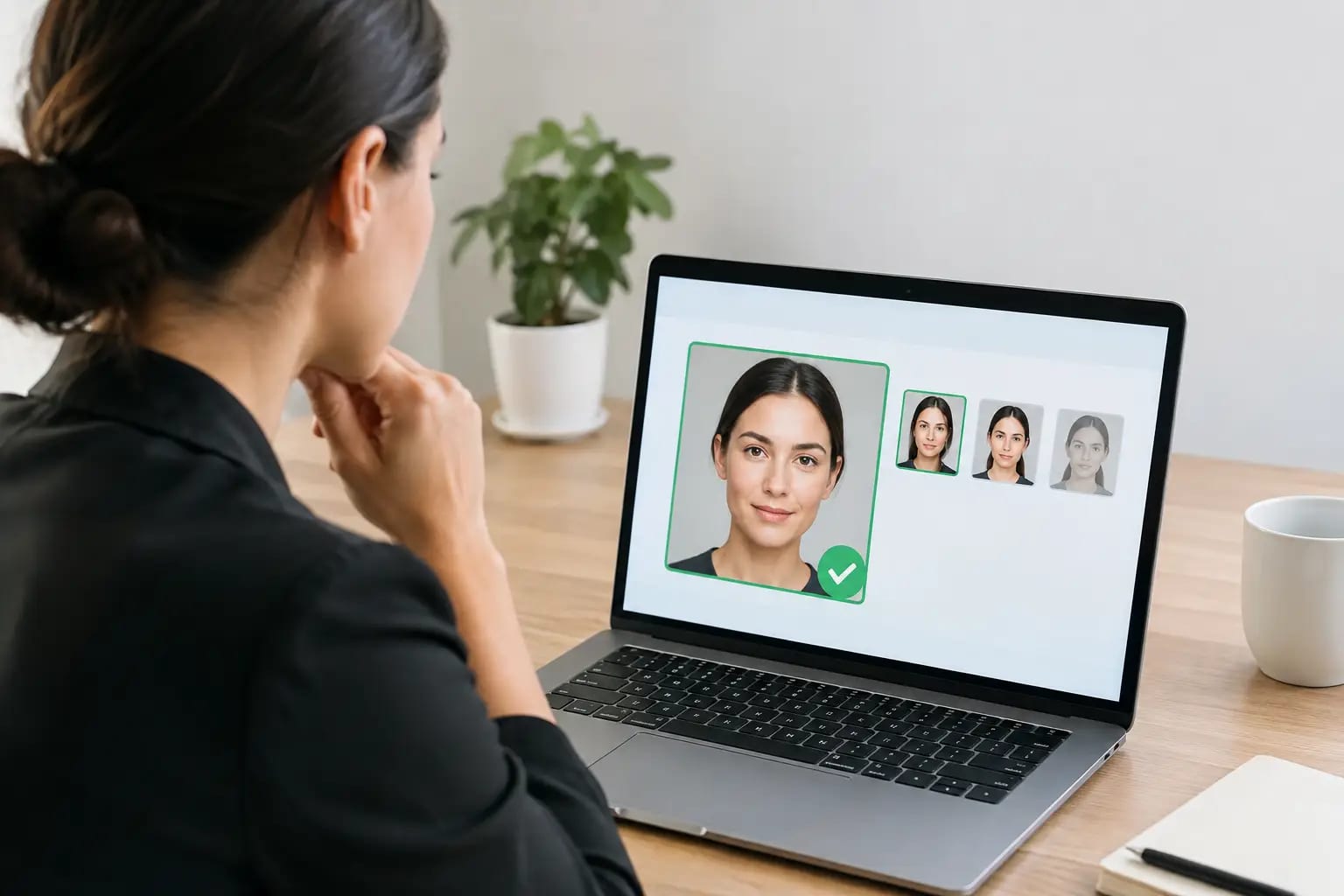
A reliable workflow starts before generation by checking whether source selfies have enough clarity, face visibility, and variation. After rendering, it should assess whether the image still resembles the person, inspect it for visual artifacts, and identify the most polished option for its intended use. Failed generations should be retaken rather than passed along as another choice in a crowded gallery.
Keeper Headshots is designed around that kind of review process: source-photo checks, selectable professional styles, likeness verification, artifact detection, automated retakes, and a final recommendation that identifies the strongest image. The practical benefit is not simply getting more portraits. It is knowing which one you can use with confidence.
For teams, the same principle becomes even more important. Employee photos should share a consistent level of lighting, framing, and backdrop without making everyone look identical. A uniform visual standard makes a team page feel organized. Preserving individual likeness keeps it human.
How to judge whether your AI headshot is ready to use
Before updating a public profile, take a moment to inspect the image at both full size and the small size people will actually see on LinkedIn or Microsoft Teams. Ask whether the face looks like you without explanation. Then look more closely at the areas AI sometimes mishandles: eyes, glasses, hair edges, jewelry, collars, and the boundary between subject and background.
It also helps to compare the portrait beside a recent candid photo. You are not looking for an exact match in lighting or expression. You are checking whether your core features and overall presence remain consistent. If your coworkers would immediately recognize you, the image has done its job.
Finally, consider context. A portrait that looks natural for a personal website may be too casual for a law firm directory. A friendly smile may be ideal for a real estate profile but less suitable for a formal executive bio. Choose the version that fits the room you are entering.
Questions professionals ask before using AI portraits
Will people know it is AI?
They may not, especially if the image is well generated and carefully reviewed. More importantly, they should recognize you. Natural lighting, accurate features, realistic skin texture, and appropriate styling matter far more than chasing an artificial idea of perfection.
Can I use an AI portrait for LinkedIn or a company website?
Yes, if it accurately represents you and meets your organization’s photo standards. Use a clear head-and-shoulders crop, professional clothing, and a background that does not distract from your face. For internal directories and team pages, consistency in framing and presentation is particularly valuable.
When is a traditional photographer still the better choice?
A photographer may be the better fit for a highly customized campaign, a large environmental portrait, or a situation that requires a specific physical location and art direction. AI is strongest when you need an efficient, credible professional headshot without coordinating a studio appointment.
The best headshot should not make people pause to admire the technology behind it. It should make it easier for them to see you as prepared, current, and ready for the opportunity in front of you.