AI Photographer Comparison for Professional Headshots
A headshot can look expensive and still be the wrong choice for LinkedIn. If the face is not recognizably yours, the lighting looks synthetic, or the crop fails on a company directory, it creates more uncertainty than confidence. This AI photographer comparison focuses on what working professionals actually need: a credible image that looks like them and works where it will be seen.
The phrase "AI photographer" covers several very different services. Some generate stylized portraits from a text prompt. Others train on uploaded selfies to create business-ready headshots. Traditional photographers may also use AI for retouching or background cleanup. Comparing them only by price or number of images misses the point. The useful question is whether the process gives you a polished, current portrait without asking you to gamble on your likeness.
AI photographer comparison: what you are really buying
For career use, you are not buying a large gallery of interesting images. You are buying a decision-ready headshot. That means clean lighting, natural skin texture, appropriate wardrobe, an uncluttered background, and a crop that holds up in a small profile circle as well as a speaker bio.
The biggest difference among options is quality control. A generic generator can produce an attractive face, but it may not consistently produce your face. A specialist headshot service is designed to assess source photos, generate within professional visual constraints, flag weak outputs, and help you identify the strongest final image. A traditional shoot offers human direction and real-camera authenticity, but requires the highest budget and the most scheduling.
| Option | Best for | Main advantage | Main trade-off |
|---|---|---|---|
| Traditional photographer | Executives, editorial needs, highly specific brand shoots | Real-time direction and custom art direction | Higher cost, scheduling, travel, and longer turnaround |
| AI headshot specialist | Job seekers, consultants, professionals, and distributed teams | Fast professional results from a small set of selfies | Quality depends on source photos and provider safeguards |
| General AI image generator | Concept art and highly creative visuals | Broad creative range | Less reliable likeness, business polish, and photo selection guidance |
| DIY selfie and editing app | Casual profiles or temporary use | Lowest upfront cost | Lighting, framing, and credibility often remain inconsistent |
None of these options is automatically best. A physician building a premium practice website may want a custom studio session with brand-specific environmental portraits. A job seeker updating LinkedIn before interviews may need a strong headshot this afternoon, not three weeks from now. The right choice follows the use case.
Likeness is the first professional standard
An AI headshot can have a beautiful background and perfect blazer, yet still fail because the eyes, smile, jawline, or hairline do not look quite right. That small mismatch is especially noticeable to colleagues, recruiters, clients, and people who meet you on video calls.
Look for a service that treats likeness as a measurable requirement rather than a hopeful outcome. The process should begin with a clear selfie review. Source images need a visible face, varied but consistent angles, decent lighting, and no heavy filters. A platform that accepts every upload without feedback may be passing the hard work to you after the results arrive.
Then ask what happens after images are generated. Are outputs checked for resemblance? Can the system identify images where facial details have drifted? Is there an automated retake path when the result has obvious issues? These steps matter more than a promise of hundreds of photos. Ten credible options are more useful than 100 images you would never attach to a résumé.
Likeness also has a practical limit. AI should refine presentation, not reinvent identity. Choose a result that makes you look rested, well lit, and professionally styled, not decades younger or noticeably different. The person who opens the Zoom call should match the person in the profile photo.
Assess the source-photo requirements
The best result starts before rendering. Providers should explain how many selfies to upload, what makes a usable image, and what to avoid. One to six clear everyday selfies can be enough for a focused workflow, provided the service checks them before proceeding.
Avoid selecting images with sunglasses, extreme shadows, multiple people, face-obscuring hair, or aggressive beauty filters. These can confuse facial reference and increase the chance of artifacts. A helpful AI photographer comparison includes this early stage because it is where preventable failures begin.
Photo quality means more than a sharp image
A technically high-resolution file is not automatically a professional portrait. Career-ready quality is a combination of lighting direction, realistic detail, balanced color, wardrobe fit, posture, expression, and background separation. The image should feel like it came from a well-run studio, not from an over-edited social feed.
Review sample work at full size and at the size people will actually see. On LinkedIn or Microsoft Teams, a headshot is often tiny. Your eyes and face should remain clear, the background should not compete, and the crop should not cut awkwardly at the chin or forehead. On a company website, the same image should retain enough detail to look composed beside colleagues’ portraits.
Artifacts are another dividing line. Watch for uneven earrings, distorted eyeglass frames, unnatural fingers near the face, warped collar lines, mismatched hair texture, and skin that looks plastic rather than naturally retouched. A credible service should detect visible problems and retake failed generations instead of expecting customers to sort through every flaw themselves.
Wardrobe and backdrop choice deserve equal attention. A navy blazer against a neutral studio background is versatile for most corporate profiles. A lighter backdrop can feel approachable for real estate, consulting, or client services. Black and white can work for a speaker bio, but usually should not be your only professional asset. Select a look that supports your industry rather than chasing a trend.
Compare the workflow, not just the deliverables
Two services can both promise dozens of headshots while offering very different customer experiences. One may simply email a large folder. Another may guide you from upload approval through style selection, likeness verification, artifact review, and a final recommendation. The second process reduces decision fatigue, which is useful when you need to publish the image quickly.
A strong workflow answers four questions before you pay: What selfies are acceptable? Which wardrobe and backgrounds can I select? How quickly will I receive usable results? How will I know which image is best for LinkedIn, a company bio, or a square directory crop?
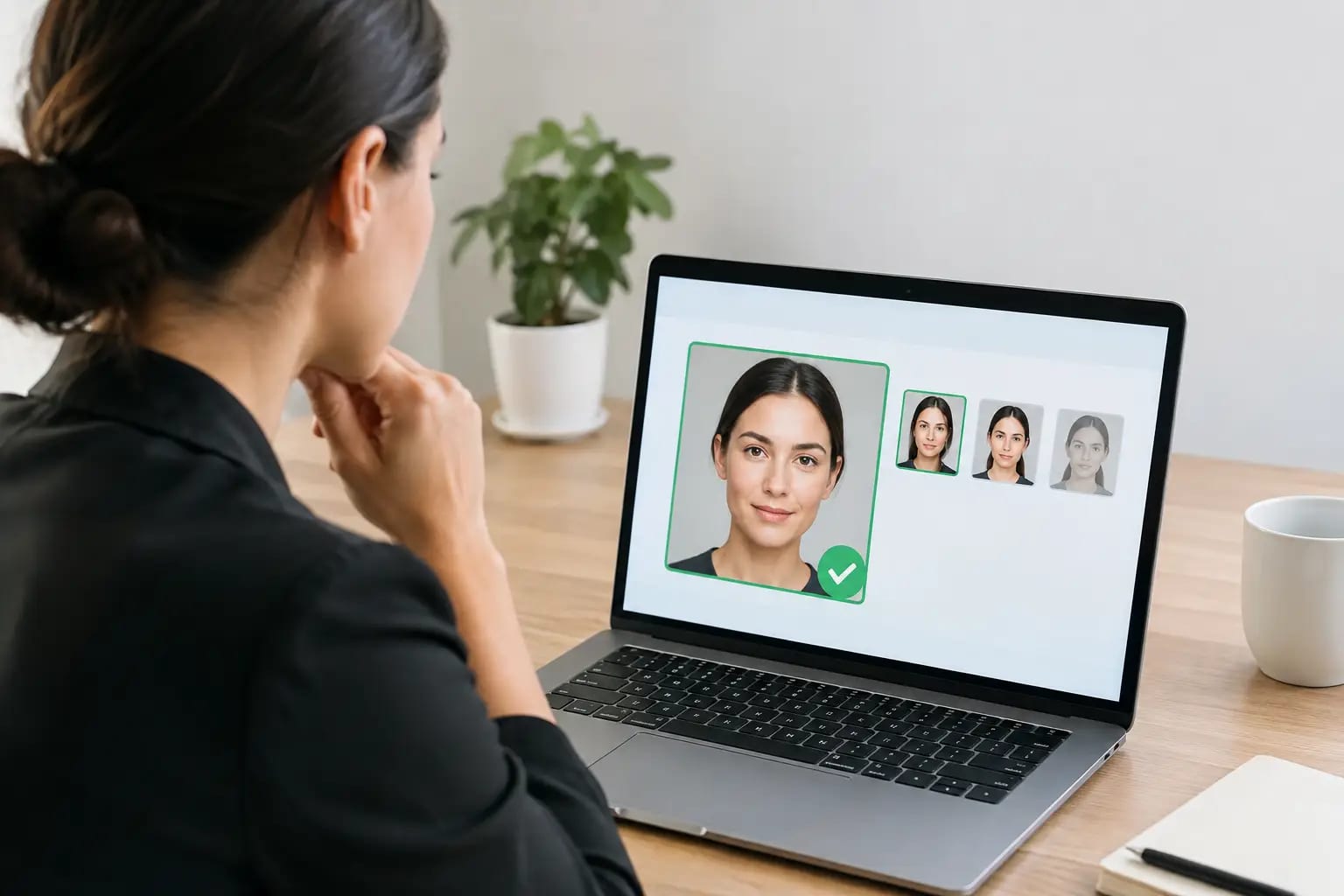
The final question is often overlooked. Most people can recognize an obviously bad headshot. Choosing between several decent ones is harder. A quality score or graded recommendation is valuable when it explains which portrait has the most natural expression, strongest professional polish, and best fit for a particular use.
Keeper Headshots, for example, is built around that decision process: source-photo checks, selectable professional looks, likeness and artifact review, automated retakes where needed, and a recommendation for the strongest image. The value is not only fast generation. It is knowing which photo to use - instantly.
Privacy, ownership, and pricing deserve direct answers
Professional headshots involve biometric-looking personal images, so vague privacy language should give you pause. Before uploading, understand whether the provider states how your photos are stored, whether downloads remain available, and whether the final images are yours to use for professional profiles. If an organization is buying for employees, it should also confirm who can access team images and how long the service retains uploads.
Pricing should be easy to compare. Traditional sessions commonly bundle photographer time, editing, travel, and possibly studio rental. AI services generally price per person or per package. The lowest listed price is not always the best value if it omits usable formats, revisions, clear download rights, or support when results are not usable.
For an individual, a one-time purchase is usually easier to evaluate than a subscription for a task you may only need once a year. For teams, ask whether the provider can maintain consistent background, wardrobe direction, lighting, crop format, and delivery standards across new hires. Consistency is what turns individual portraits into a credible company directory.
Choose by use case, not novelty
Use a traditional photographer when personal coaching, location-specific images, or a highly art-directed brand campaign is the goal. Choose an AI headshot specialist when speed, convenience, affordability, and professional consistency matter most. A generic generator can be useful for creative experimentation, but it is rarely the safest choice for a first impression tied to a career opportunity.
Before deciding, review the provider through the same lens you would apply to the final photo: Does it look credible? Does it look like you? Does it fit where it will be used? Does the process make weak results visible rather than hiding them in a large download folder?
A good headshot should remove friction from the next opportunity. Whether it appears beside a job application, a client proposal, or a new company announcement, choose the option that lets your experience speak first.