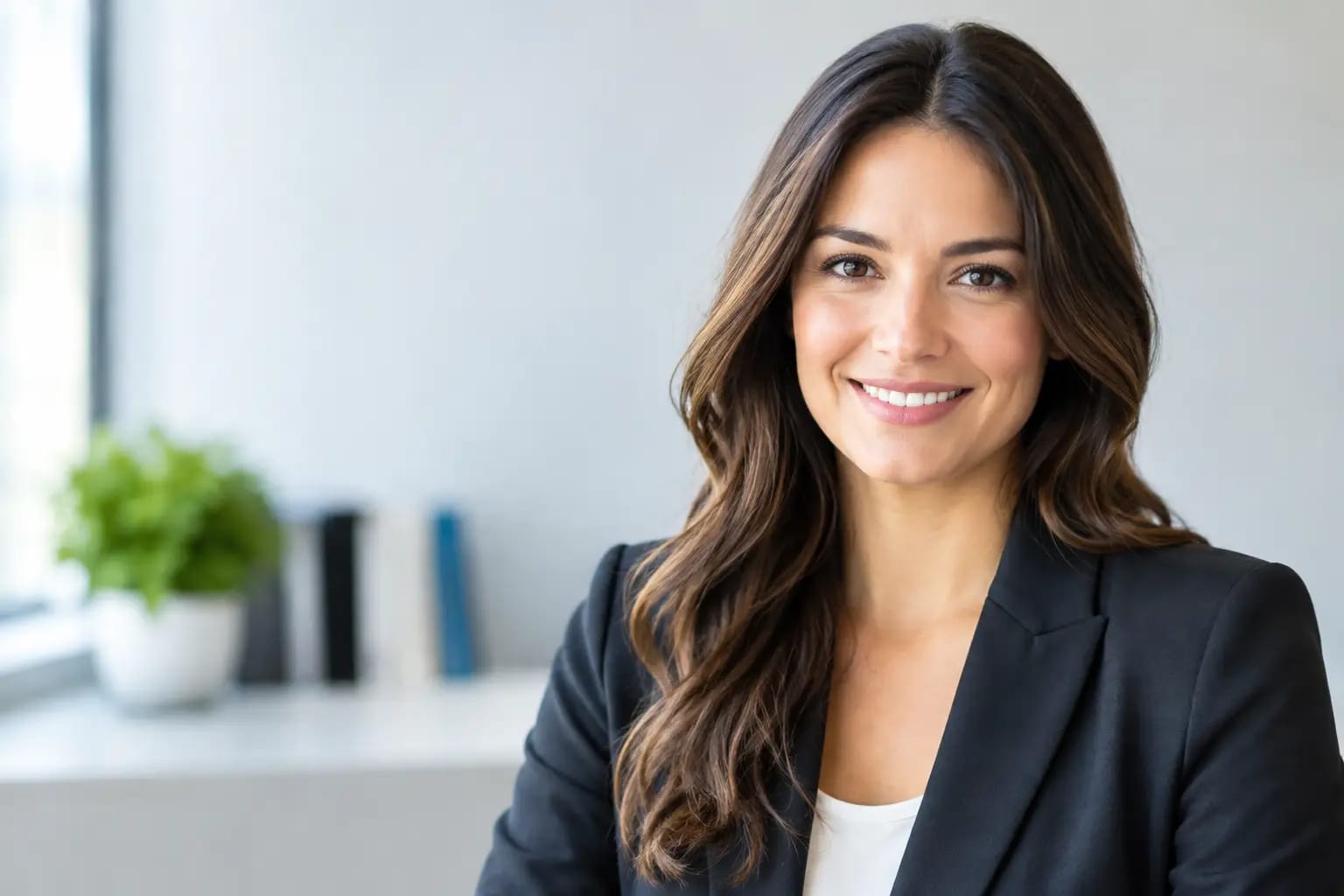
Professional AI Headshots From Selfies That Work
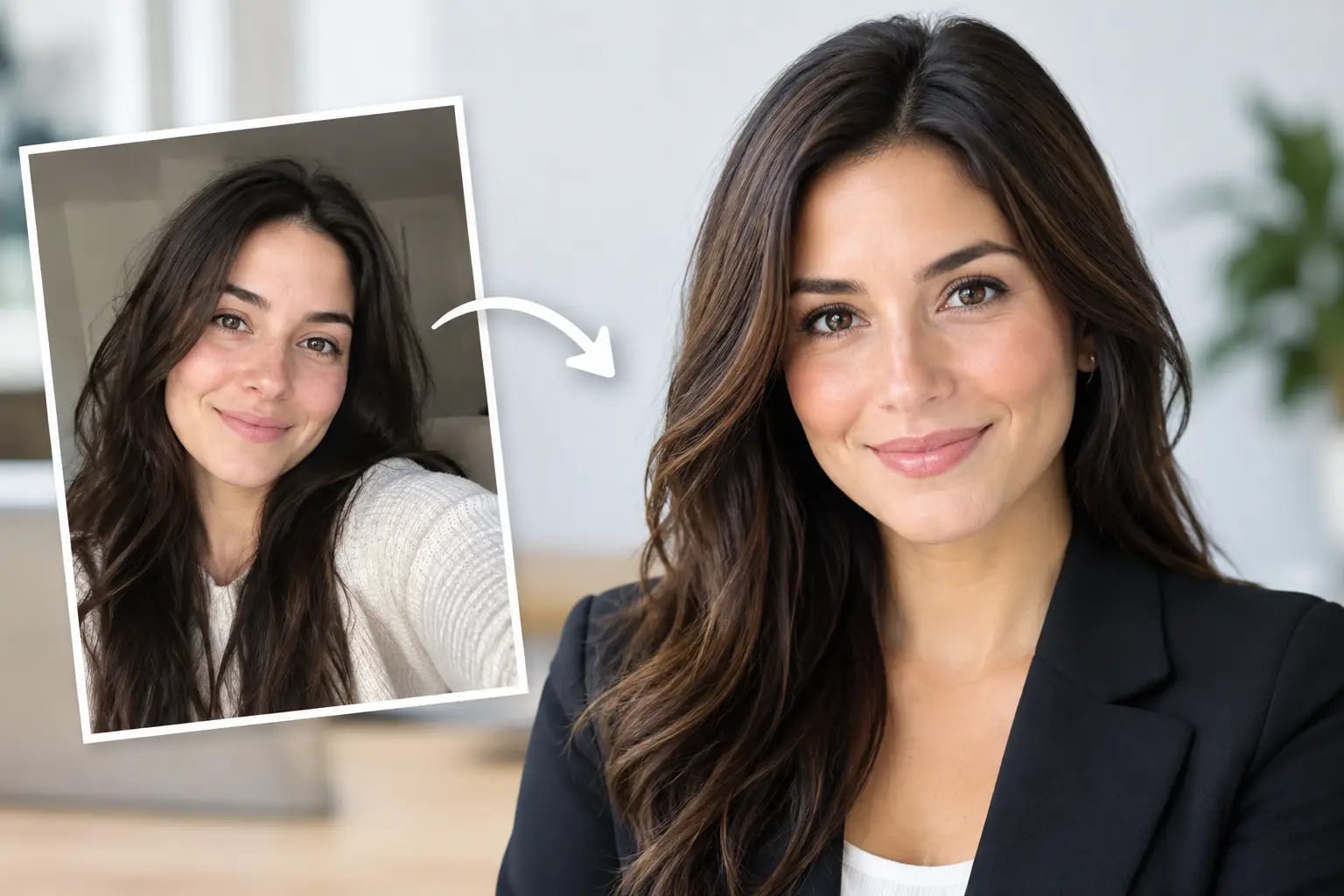
A dated LinkedIn photo can quietly undermine a strong résumé. So can a cropped wedding picture, a dim webcam frame, or a company-directory image that no longer looks like you. Professional AI headshots from selfies offer a practical alternative: current, polished portraits built from photos already on your phone, without the calendar coordination and cost of a traditional studio session.
The appeal is not simply speed. A useful headshot needs to look like the person who shows up to an interview, client meeting, conference, or first day at a new job. It also needs to hold up in the small square crop where most professional decisions begin. The difference between a convincing AI portrait and an awkward one comes down to the source photos, the quality checks behind the process, and a clear recommendation for where each final image belongs.
Why a Professional Headshot Still Carries Weight
People often encounter your face before they encounter your work. Recruiters scan LinkedIn profiles. Prospective clients review team pages. Event organizers pull speaker bios. Colleagues see profile photos in Microsoft Teams before a first conversation. In each setting, a credible image signals that you are prepared, current, and easy to recognize.
That does not mean everyone needs a stiff portrait against a gray background. A real estate agent may need warmth and approachability. An attorney may prefer a more formal, composed look. A consultant might choose an editorial office setting that feels polished without looking overly corporate. The right headshot supports the context while keeping the focus on your expression.
Traditional photography can do this well, but it asks for time that many professionals do not have. A studio appointment may involve booking weeks ahead, commuting, choosing outfits, and paying $200 to $400 for a session. For a single updated profile photo, that can be more friction than the result requires.
How Professional AI Headshots From Selfies Work
The process starts with one to six everyday selfies or casual photos. The system uses them to understand your facial features, proportions, and general appearance, then creates studio-style portraits with selected wardrobe and backdrop combinations. You do not need a professional camera, but you do need usable source images.
A quality-focused workflow should evaluate photos before generation. It can flag blurry images, heavy filters, sunglasses, poor lighting, faces that are too small in the frame, or photos where your features are obscured. Catching these issues early matters. Better input gives the system a more reliable reference for a headshot that looks recognizably like you.
After rendering, the work is not finished. Strong services check the output for likeness, visual artifacts, unnatural hands or clothing details, distorted features, and distracting background errors. Failed generations should be retaken automatically rather than quietly delivered alongside the usable images. The final set should be scored so you can identify the strongest option instead of second-guessing your own choice.
Keeper Headshots applies this kind of controlled workflow from source-photo checks through final graded recommendations. The objective is straightforward: move from camera roll to a portrait you can use with confidence, not a folder of images you have to inspect for flaws.
The selfies that produce better results
The best source photos are clear, recent, and varied enough to show your face accurately. Use natural window light or even indoor lighting. Face the camera in at least a few images, keep your face unobstructed, and include a relaxed neutral expression as well as a natural smile if that reflects how you present professionally.
Avoid beauty filters, extreme angles, very dark rooms, and group photos that require heavy cropping. A selfie does not need to be glamorous. It needs to be honest. If your appearance has changed meaningfully since the photos were taken - different hair, facial hair, glasses, or a major style change - take a few new ones first.
More photos can improve reference quality, but only if they are useful. Six nearly identical, low-light selfies are less helpful than three clear images taken in different places with consistent current appearance.
What Makes an AI Headshot Look Credible
Professional polish is usually subtle. It is balanced lighting, a natural skin texture, a clean crop, appropriate clothing, and an expression that feels present rather than pasted on. The image should look like a well-executed portrait, not a dramatic character rendering.
Wardrobe and setting affect credibility as much as technical image quality. A dark blazer and neutral backdrop may be right for an executive bio or law firm website. A smart-casual layer and brighter background can work well for a startup founder, recruiter, or creative consultant. The goal is consistency with the role, industry, and platform.
Crop format matters too. A vertical portrait gives a website bio or press kit more breathing room. A square crop is often the better choice for LinkedIn, Teams, and employee directories. When both are provided, you can use the same approved image across channels without awkwardly trimming shoulders, hair, or the top of your head.
A quick use-case guide
| Where you need it | What usually works best |
|---|---|
| LinkedIn and résumé | Clear face, square crop, neutral or lightly contextual backdrop |
| Company website | Polished portrait with wardrobe aligned to team standards |
| Speaker bio or press kit | Vertical crop with slightly more environmental space |
| Microsoft Teams | High-contrast square crop that remains clear at small sizes |
Consistency matters especially for teams. A company page assembled from vacation snapshots, old studio portraits, and webcam captures can feel improvised even when the organization is not. AI headshots can give employees a shared visual standard without coordinating everyone around a single photographer's schedule.
AI Headshots vs. a Traditional Photo Shoot
Neither option is universally better. A photographer remains the right choice when you need highly art-directed images, environmental branding photography, product interaction, a large campaign, or a deeply customized visual concept. Human direction on set is valuable when the portrait is one part of a broader brand production.
For a current LinkedIn profile, employee directory, speaker page, or standard company bio, AI can be the more efficient fit. It reduces scheduling, travel, and retouching delays while giving you control over wardrobe and backdrop direction.
| Consideration | AI headshots from selfies | Traditional studio session |
|---|---|---|
| Time commitment | Often completed in minutes | Requires scheduling and travel |
| Typical cost | Lower, often a one-time purchase | Commonly $200 to $400 or more |
| Best for | Profile updates, teams, professional bios | Campaigns, custom art direction, brand shoots |
| Main risk | Weak source photos or poor quality control | Higher cost and scheduling burden |
The key trade-off is not AI versus photography in the abstract. It is whether the service can produce a believable, quality-checked portrait for the job you need it to do. If a result changes your face too much, smooths away every natural feature, or introduces odd details, it is not ready for professional use, no matter how impressive it looks at first glance.
Before You Upload: Set a Clear Goal
Decide where the headshot will appear before selecting styles. Someone interviewing for finance roles may want a restrained, classic look. A healthcare professional may prioritize calm, approachable confidence. A sales leader may select a more direct expression and a clean, bright background that reads well on video-call platforms.
Then choose the image that feels most like you on a good day. The strongest headshot is rarely the most stylized one. It is the one that makes a former colleague, recruiter, or client think, “Yes, that is exactly how they look.”
Once you have a finished image, update the places people actually see: LinkedIn, your company profile, Teams, speaker materials, and professional directories. A current, credible portrait is a small operational detail with an outsized effect. It removes one more reason for people to hesitate before taking your next conversation seriously.