How Accurate Are AI Headshots? What to Expect
A headshot has one job before anything else: it needs to look like you. That is why the real question is not whether AI can create a polished portrait. It can. The question is, how accurate are AI headshots when a recruiter, client, colleague, or prospective employer compares the image with the person they meet on a video call?
The honest answer is that accuracy varies. A strong AI headshot can preserve your recognizable facial structure, expression, and overall presence while improving lighting, wardrobe, and background. A weak one may look professional at a glance but miss small details that make a face distinctly yours. The difference usually comes down to the input photos, the system's quality controls, and whether someone is willing to reject a polished image that is not a true likeness.
What “accurate” means in a professional headshot
For career use, accuracy is not the same as pixel-for-pixel replication. A traditional photographer also changes the final image through lighting, lens choice, pose direction, retouching, and color correction. You may look more rested and more composed in the result, but it should still be obviously you.
A credible AI headshot gets the high-value identity cues right: face shape, eye shape and spacing, nose, smile, skin tone, hairline, hairstyle, and the proportions that colleagues recognize immediately. It should also feel consistent with how you present yourself now, not how you looked several years ago or how an algorithm imagines a more generic version of you.
Professional accuracy also includes context. A dark executive blazer, clean office-style backdrop, and balanced studio lighting can make a portrait feel appropriate for LinkedIn or a company bio. Those improvements are useful only if they do not come at the cost of recognition.
How accurate are AI headshots from selfies?
AI headshots made from clear, recent selfies can be surprisingly accurate for online professional use. At profile-photo size, a well-generated image should be hard to distinguish from a professionally retouched studio portrait. At full resolution, you may notice more variation in fine details, especially around hair, teeth, glasses, jewelry, hands, or patterned clothing.
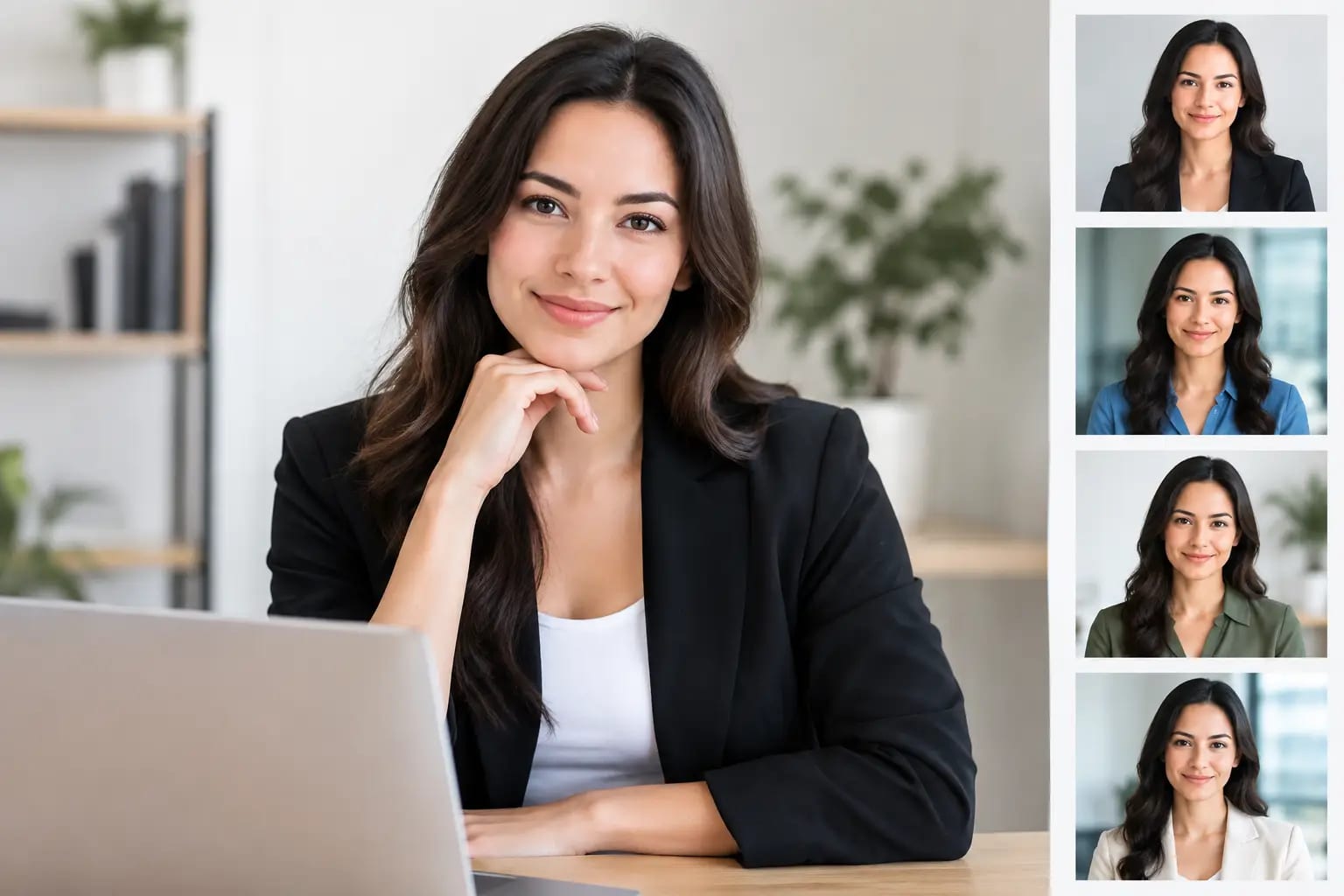
The number of source images matters, but variety matters more. One excellent selfie may be enough for a usable result. Several clear photos from slightly different angles give the system more evidence of your actual features and reduce the chance that it over-relies on a single expression, lighting condition, or camera distortion.
Accuracy also depends on how much change you request. A conservative business look with familiar hair, natural makeup, and a neutral expression is easier to keep true to life than a dramatic makeover. If you select an outfit or style that is far outside your normal appearance, the result can still be visually strong, but it may feel less like the version of you people expect to meet.
The source photos set the ceiling
AI cannot reliably recover details that your photos do not show. Blurry images, heavy beauty filters, sunglasses, harsh shadows, or group shots force the system to make guesses. Those guesses can lead to a face that is close, yet subtly wrong.
Before uploading selfies, look for four things:
- Recent photos that reflect your current hair, facial hair, glasses, and overall appearance
- Clear, well-lit images where your full face is visible and in focus
- A mix of straight-on and slight-angle views, without extreme poses
- Photos without filters, face-smoothing effects, hats, or other obstructions
Phone-camera selfies are completely workable. They do not need to look like studio photos. In fact, everyday photos can be better source material because they show your natural features without elaborate lighting or editing. The goal is clarity, not glamour.
If you recently changed your hair color, started or removed facial hair, began wearing glasses, or lost significant weight, take new selfies first. An AI portrait should support your current professional identity, not create confusion at your next meeting.
Where AI headshots can get it wrong
The most obvious failures are artifacts: an unnatural ear, warped glasses, inconsistent teeth, odd hair edges, or fabric that does not make visual sense. These are easier to spot and should be rejected.
More subtle failures are often more important. An image can have perfect lighting and no visible artifacts but still feel unlike you. Perhaps the jaw is slightly narrower, the eyes are too large, the skin is overly smoothed, or the expression has become more intense than your natural demeanor. These changes may seem small individually. Together, they can make a photo feel synthetic to people who know you.
Certain features deserve closer review. Curly or textured hair, distinctive facial hair, bold frames, freckles, visible beauty marks, and cultural or religious attire can be mishandled by generic generators. These details are not incidental. They are part of your likeness and should be retained when they are visible in your source photos.
Age is another area to watch. A professional headshot can be flattering without making you look like a different person. If the result looks noticeably younger, more heavily retouched, or more stylized than you would appear in a current video meeting, choose a more faithful version.
Quality control is what makes the result usable
Generating a headshot is only part of the job. The more useful question is whether the platform checks the output before asking you to use it for a job search, company website, or client-facing profile.
A dependable workflow starts with a photo-quality review. It flags source images that are too dark, blurry, obstructed, or otherwise unlikely to produce a convincing likeness. That prevents an avoidable problem before generation begins.
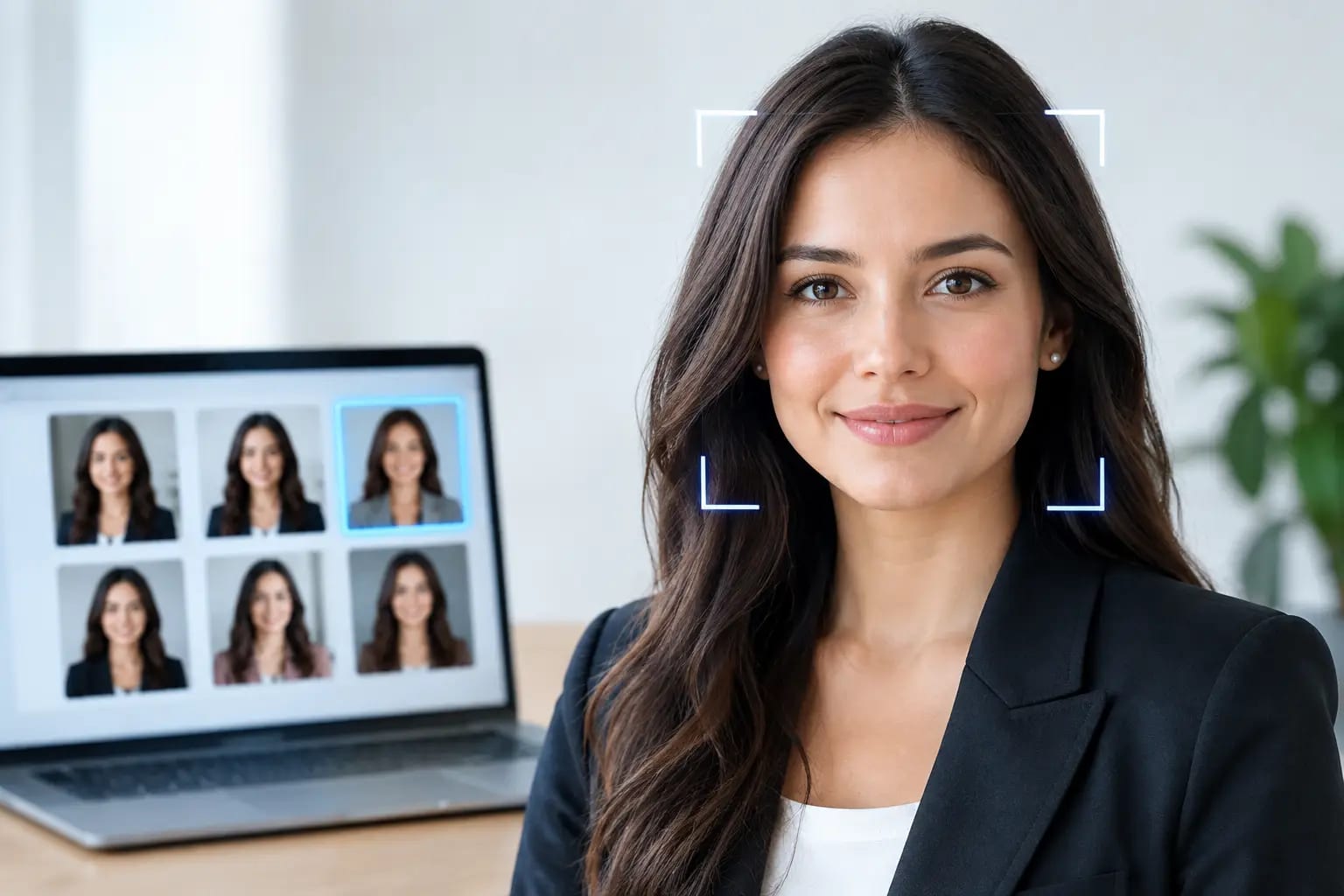
After rendering, the system should assess two separate standards: likeness and image quality. Likeness checks compare the generated face against the uploaded photos. Artifact detection looks for technical problems in features, hair, glasses, wardrobe, and background. When an image fails either test, the appropriate response is a retake, not a recommendation.
Keeper Headshots applies these checks, then grades the final options and identifies the strongest image for the setting you selected. That distinction matters when you have several attractive photos but need one that feels credible for LinkedIn, a leadership bio, a speaker page, or Microsoft Teams.
A practical way to judge your final headshot
Do not evaluate your result only by asking, “Do I look good?” Ask whether it will hold up in the real context where it will be used.
First, compare it side by side with a recent unedited selfie. Look at your eyes, smile, face shape, hairline, and any distinctive features. Then reduce the image to the small size people will see on LinkedIn or in an employee directory. At that size, the photo should remain clear, approachable, and unmistakably yours.
Next, consider recognition rather than perfection. Would a former coworker identify you immediately? Would someone joining a video call feel that your profile photo accurately represents the person on screen? If either answer is no, select another result or provide better source photos.
Finally, match the image to its purpose. A warmer expression can work well for a consultant or real estate professional. A composed, direct look may fit an attorney, executive, or corporate leadership profile. The best headshot is not always the most dramatic one. It is the one that creates confidence before a conversation begins.
AI headshots versus a traditional photo shoot
A traditional session gives a photographer direct control over posing, lighting, and minute adjustments. It remains a strong choice when you need highly customized editorial imagery, environmental portraits, or an extensive personal-brand campaign.
AI offers a different advantage: speed, convenience, and repeatability. You can create a polished professional image from your camera roll without scheduling a studio, traveling, or paying for a multi-week process. For teams, it can also create consistent wardrobe and backdrop standards without asking every employee to coordinate a separate shoot.
Neither approach guarantees a great result automatically. A photographer needs good direction and honest review. AI needs clean inputs and reliable quality checks. For a single career-ready headshot, the practical decision is often about whether you need custom photography or a current, credible portrait quickly.
The standard worth holding
An AI headshot does not need to be identical to a casual selfie. It should be a more polished, professionally lit version of the person in that selfie. If the photo earns a second look because it is sharp and confident, then earns trust because it still looks like you, it is doing exactly what a professional headshot should do.
Choose the image you would be comfortable using before you meet a new client, introduce yourself on a panel, or turn on your camera for an important interview. That is the accuracy that matters.