When a Professional Resume Photo Makes Sense

A professional resume photo can make you feel more memorable before the interview ever begins. It can also create an unnecessary distraction, introduce bias, or get lost in an applicant tracking system. The right choice depends less on whether you have a polished headshot and more on where your résumé will be seen, what role you want, and how hiring happens in your field.
For most US job applications, your résumé itself should lead with your experience, results, and qualifications. Your photo belongs where a visual introduction adds context - typically LinkedIn, a company bio, a speaker profile, or a portfolio. Knowing the difference lets you look polished without taking an avoidable risk.
Should You Put a Photo on Your Résumé?
In the United States, the default answer is usually no. Many employers prefer photo-free résumés because they want to focus on job-related qualifications and reduce the possibility of conscious or unconscious bias. Some applicant tracking systems also do a poor job handling images, which can interfere with clean parsing of the document.
That does not mean a professional image has no place in a job search. It means the placement matters. A current headshot on your LinkedIn profile gives recruiters a consistent visual reference once they click through. It helps clients and colleagues recognize you after a virtual meeting. It also makes your personal brand feel complete when your résumé points to a portfolio, professional site, or speaker page.
There are exceptions. A photo may be expected for acting, modeling, broadcasting, real estate, certain hospitality roles, or applications outside the US. Independent consultants and client-facing professionals may also use a headshot in a proposal or capabilities deck, where trust and familiarity support the business relationship. In those cases, use the photo as part of a designed professional document, not as an afterthought squeezed into a résumé header.
Where a Professional Resume Photo Works Best
Think of your résumé and your headshot as two parts of the same professional introduction. One proves what you can do. The other makes your online presence recognizable and current.
A strong headshot is especially useful on LinkedIn, where recruiters often compare a résumé with a profile before reaching out. It also belongs on company team pages, professional association directories, conference speaker bios, press kits, Microsoft Teams profiles, and client-facing proposals. These are places where people expect to see the person behind the credentials.
If you include your LinkedIn URL on your résumé, make sure the profile photo feels aligned with the level of role you are pursuing. A hiring manager should not see a formal executive résumé and then find an old vacation crop, dim webcam image, or group photo with someone else's shoulder still in frame.
What Makes a Headshot Look Credible
A credible headshot does not need to look stiff or overly retouched. It needs to make the viewer feel confident that you are current, prepared, and easy to recognize in person.
Start with likeness. Your photo should look like you on a normal, well-rested workday. Heavy filters, aggressive skin smoothing, dramatic face reshaping, and AI images that subtly change your features can undermine trust. If someone meets you on video or in person and cannot immediately connect you to the image, the photo is working against you.
Lighting comes next. Even, soft lighting helps your eyes stay visible and avoids harsh shadows under the chin or across the face. A simple neutral background is usually the safest choice because it keeps attention where it belongs. For creative roles, a restrained environmental background can work, but cluttered offices, cars, kitchens, and busy public spaces rarely communicate polish.
Your wardrobe should match the professional context, not a generic idea of formality. A lawyer, financial advisor, and executive candidate may benefit from a blazer or structured business attire. A software professional or designer may look more natural in a refined smart-casual layer. The goal is to look like you are already operating at the level of the opportunity, not dressed for someone else's role.
Choose a Crop for the Platform
One photo does not always fit every destination. A headshot that looks excellent in a wide website banner may crop awkwardly into a circular LinkedIn profile image. Before you download or upload, check whether the platform needs a square, vertical, or horizontal format.
For LinkedIn and collaboration platforms, use a square crop with your face centered and enough space around your head and shoulders. For a speaker bio or company website, a vertical portrait often gives designers more flexibility. A horizontal version can be useful for a website hero section or media placement, but it is less versatile as your primary profile image.
Keep the expression and styling consistent across formats. This is not about looking identical everywhere. It is about making recognition effortless. When a recruiter sees your LinkedIn image, joins a video call, and later visits your portfolio, the visual connection should be immediate.
A Practical Checklist Before You Use the Photo
Before calling an image finished, assess it as a hiring manager or prospective client would. Ask whether it is recent, recognizable, clear at small sizes, and appropriate for the professional setting. Then check the practical details that are easy to miss:
- Your eyes are in focus and clearly visible.
- The background is clean and does not compete with your face.
- Your clothing has no distracting patterns, wrinkles, or odd AI-generated details.
- The crop leaves room around your head and shoulders.
- The image still looks natural when viewed as a small circle.
- Your face, hands, hair, glasses, jewelry, and clothing edges are free from visual artifacts.
That final point matters more with AI-generated headshots. The best results are not simply attractive images. They are images that preserve your likeness while avoiding the small visual errors that make a photo feel artificial on closer inspection.
Getting a Better Result From Everyday Photos
You do not need a formal photography session to create a polished headshot, but your source images still affect the result. Choose recent selfies taken in good natural light, with your full face visible and no sunglasses, hats, beauty filters, or heavy shadows. Include a range of natural expressions and angles if the service accepts multiple images.
Avoid relying on one low-light selfie or a cropped group shot. Those images leave less information to work with and can produce a result that feels less like you. Clear source photos give the system a better basis for preserving facial details, hair texture, glasses, and proportions.
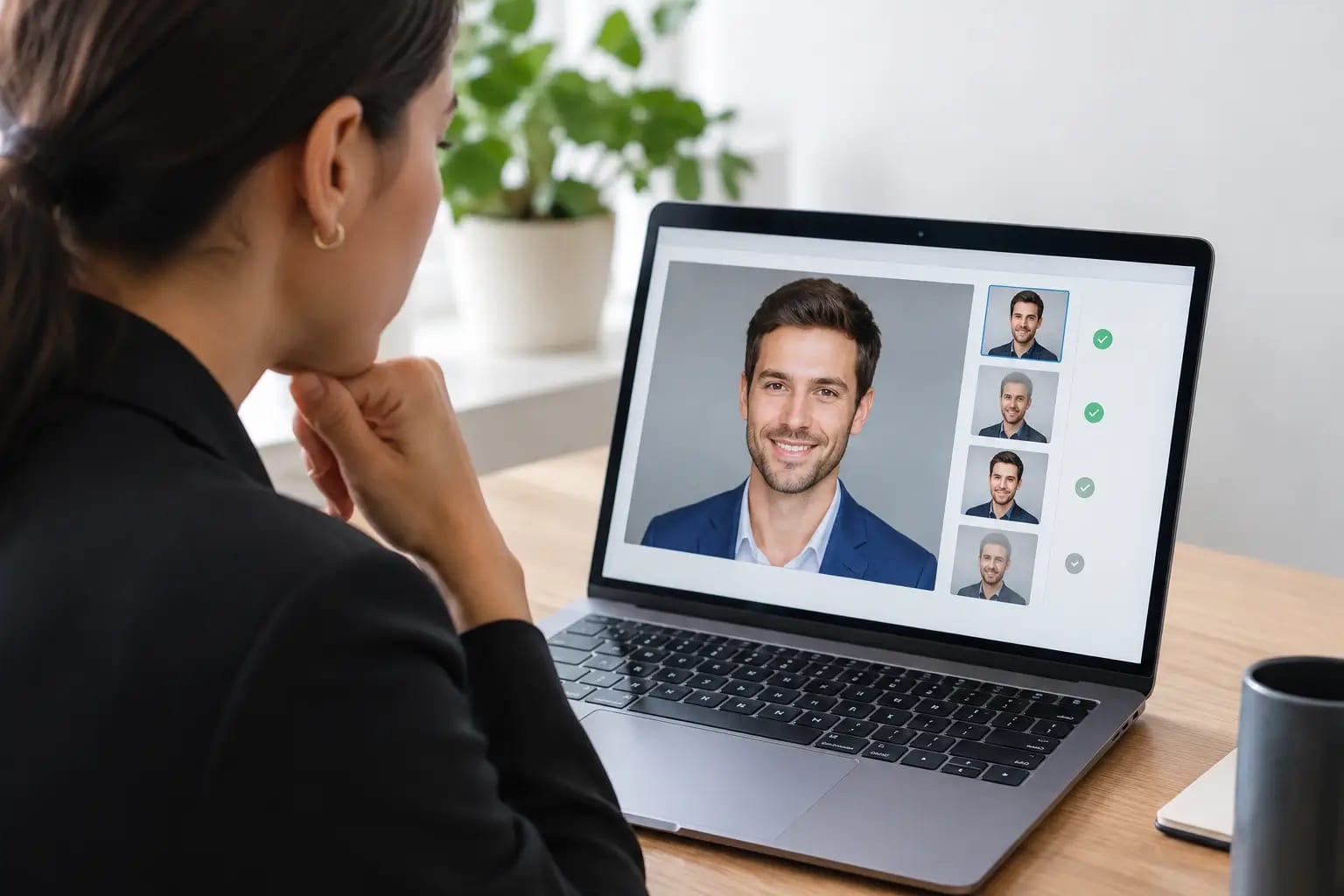
Keeper Headshots uses photo-quality checks before rendering, then evaluates generated images for likeness, polish, and artifacts. That kind of workflow is useful because the question is not merely, “Which image looks best?” It is, “Which image looks credible for the place I need to use it?” A graded recommendation can remove the uncertainty of choosing among several acceptable options.
When to Update Your Headshot
Update your headshot when it no longer reflects how you appear in professional settings. A major hairstyle change, new glasses, a substantial change in facial hair, or an image that is several years old are all practical reasons. You may also need a new photo when moving from an early-career role into management, launching a consulting practice, or joining a company that uses consistent employee portraits.
Do not wait until the photo is obviously outdated. A current image supports a current professional story. If you are applying for a leadership role, speaking at an event, or refreshing your LinkedIn presence after a career change, a new headshot can be a small but meaningful signal of readiness.
The best professional photo is not the one that makes you look like a different person. It is the one that makes it easier for the right people to recognize your confidence, competence, and next step.