AI Headshot Quality Check: What to Review
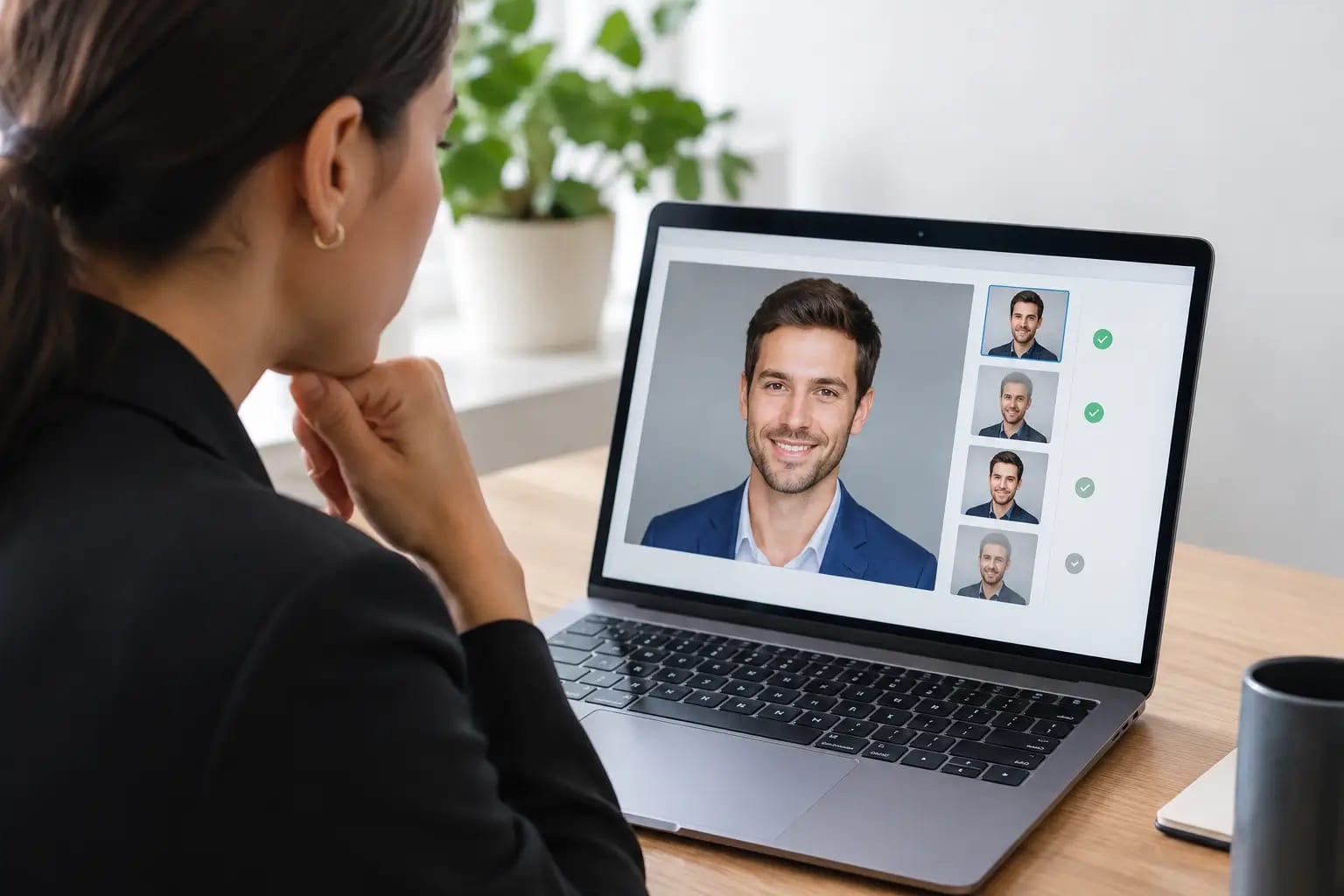
A headshot can look impressive at thumbnail size and still fail where it counts: your face may look slightly unfamiliar, the collar may distort, or the crop may not work on LinkedIn. An AI headshot quality check is the step that separates a merely attractive generated image from one you can use confidently in a job search, client meeting, company directory, or speaker bio.
The goal is not to find the most dramatic image. It is to choose the photo that looks most like you on a particularly good, well-lit day - then confirm that every detail holds up at the size and in the format where people will see it.
What an AI headshot quality check should assess
A useful review goes beyond asking whether the image is flattering. Professional headshots need to communicate recognition, credibility, and care. That means evaluating four connected areas: likeness, technical finish, professional context, and final placement.
Likeness comes first
If a colleague would hesitate before recognizing you, the image is not ready. AI can smooth skin, refine lighting, and create a polished wardrobe, but it should not replace the features that make your face yours.
Compare the image with a recent, well-lit selfie or a photo taken by someone who sees you regularly. Focus on your face shape, eye spacing, smile, hairline, eyebrow shape, skin tone, and any defining features such as glasses or facial hair. Small changes can add up. A jawline that is too narrow, eyes that are too bright, or a smile that sits differently may be subtle alone but unmistakable together.
This is where a likeness score is more useful than a vague claim that an image is “realistic.” It gives you a clear signal that the portrait still represents the person who will walk into the interview, video call, or client meeting.
Technical polish needs a close look
Next, view the headshot at full size rather than only in a small gallery. AI artifacts are often easiest to spot around high-detail areas: ears, teeth, eyeglass frames, earrings, hands near the face, shirt buttons, and the edge of the hair.
Check whether both eyes are shaped naturally and looking in the same direction. Inspect teeth for odd spacing or uneven texture. If you wear glasses, look for warped frames, mismatched lenses, or reflections that do not match the scene. Then scan the wardrobe. A professional jacket should have believable lapels, seams, buttons, and shoulders. Fabric that melts into the background or repeats an unusual pattern can make an otherwise strong photo feel synthetic.
Lighting deserves the same attention. The light should look intentional, with a clear direction and natural shadows. Over-smoothed skin, bright halos around hair, or an overly blurred background can signal excessive processing. A clean portrait has polish without looking airbrushed into someone else.
Use case changes what “best” looks like
There is no single ideal headshot for every professional setting. A close, warm portrait may be excellent for LinkedIn, while a wider crop with quieter styling may fit a law firm bio or corporate leadership page better. The quality check should include the role the image needs to perform.
For LinkedIn and résumés, your face should be immediately clear even in a small circular crop. Eye contact, a simple background, and an approachable expression usually work well. Avoid a crop that places your chin too close to the bottom edge or cuts through the top of your hair when the platform converts it to a circle.
For company websites and employee directories, consistency matters. The wardrobe, background, angle, lighting, and crop should align with the organization’s visual standards. A stylish but dramatically lit portrait can stand out for the wrong reason next to a grid of clean, evenly framed team photos.
For consultants, real estate professionals, doctors, lawyers, and other client-facing roles, the right choice depends on the trust you need to establish. A friendly expression can be valuable in relationship-driven work. A more composed, direct look may better support an executive, legal, or financial-services profile. Neither approach is universally better. The image should match the setting in which people are deciding whether to contact, hire, or trust you.
A practical review process before you download
A disciplined review takes only a few minutes. Start with the strongest image at normal size. Ask a simple question: would someone who knows me say this looks like me, without qualification? If the answer is not an easy yes, choose another option or request a retake.
Then enlarge the file and inspect the face, hair, eyewear, and clothing. Do not assume a problem will disappear because it is minor. Compression on social platforms can make edges and textures look worse, not better. If an artifact is visible to you before upload, it can be visible to a recruiter, prospect, or coworker afterward.
Finally, test the crop. A square version is practical for LinkedIn, Microsoft Teams, and many directory systems. A portrait-oriented version gives websites, press kits, and speaker pages more flexibility. The best delivery includes both, so you are not forced to crop a carefully generated image yourself and accidentally remove the balance that made it work.
Why source selfies affect the final result
The quality check begins before generation. Your source selfies give the system the visual information it needs to preserve your identity, so input quality has a direct effect on output quality.
Use recent photos with your current hair, glasses, facial hair, and general appearance. Include a range of natural angles, but keep your face visible and unobstructed. Window light or even indoor light is usually better than harsh overhead lighting, heavy shadows, filters, sunglasses, or photos taken from far away.
One excellent selfie is helpful, but several clear selfies are safer. They give an AI system more reference points for your facial structure and expressions. At the same time, more photos are not automatically better if they are outdated, heavily edited, or inconsistent with how you look now. A quality check should flag weak source images before rendering rather than asking you to hope for the best afterward.
Automated checks reduce the guesswork
Many people can tell when a photo feels off but cannot identify why. That uncertainty is common, especially when choosing between several polished AI portraits. Automated checks add useful structure by evaluating likely artifacts, facial consistency, and overall image quality before you make the final call.
At Keeper Headshots, the workflow is designed around that decision point. Source photos are reviewed before rendering, failed generations can be retaken, and completed images are checked for likeness and visual artifacts. The result is a graded recommendation rather than a folder of images that leaves you guessing which one belongs on your professional profile.
Automation is not a substitute for your judgment. You know whether your preferred expression feels like you and whether the wardrobe fits your field. But a score and an artifact check can catch technical issues that are easy to miss after you have looked at your own face for too long.
When to reject an otherwise good image
An image does not need to be obviously broken to be the wrong choice. Reject it if it makes you look noticeably younger or older than you are, changes your hair texture or skin tone, or gives you a smile you would not recognize in real life. The same applies if the wardrobe feels unlike anything you would wear to meet a client or interviewer.
Be cautious with extremes. Very dramatic backgrounds, unusually sharp facial contouring, high-fashion poses, and conspicuous accessories may look striking in a gallery but date quickly or distract from your professional identity. A headshot should support your credentials, not compete with them.
If two images are equally accurate, choose the one that will remain useful across more settings. Clean lighting, a believable expression, and a straightforward professional backdrop tend to travel well from a LinkedIn profile to a company bio.
Your headshot does not need to make you look like a different version of success. It should make it easy for the right people to recognize you, remember you, and feel confident clicking “connect” or scheduling the next conversation.